New article
Recently updated
Creating a process using Mazlan's AI assistants

Who is this article for?
Mazlan Home users working with assistants.
Mazlan Home is required.
This article outlines how to create a process using Mazlan's AI assistants.
You will learn how to interact with the Flowchart assistant to generate a custom process based on your specific requirements.
Your results depend on your prompts. Mazlan's responses are shaped by the detail and clarity you provide. If results aren't quite right the first time, try adding more context or rephrasing your question. Every user's experience may vary—and that's okay. You're in control of how you interact with Mazlan.
Creating a process with the Flowchart assistant
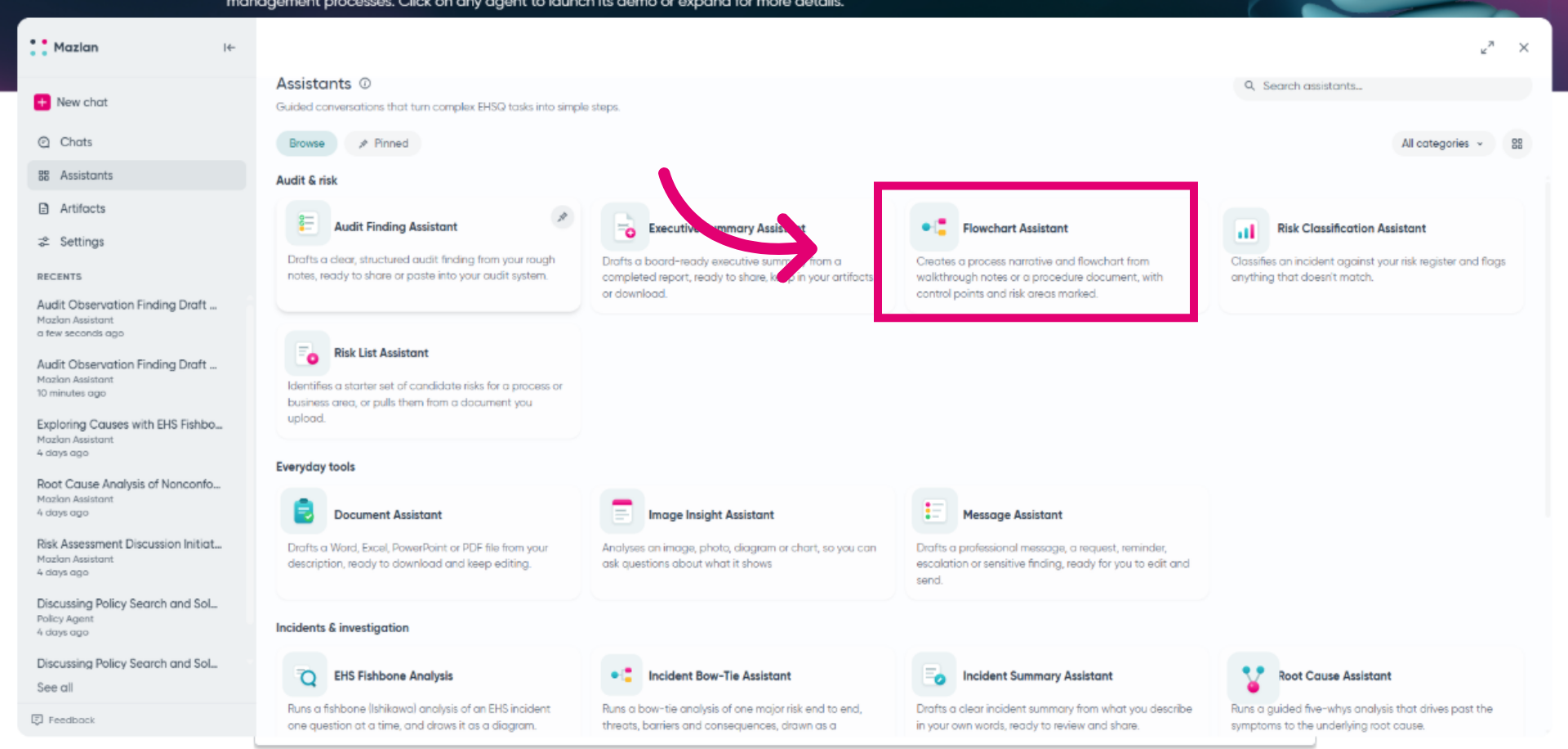
Launch the Flowchart assistant to get started.
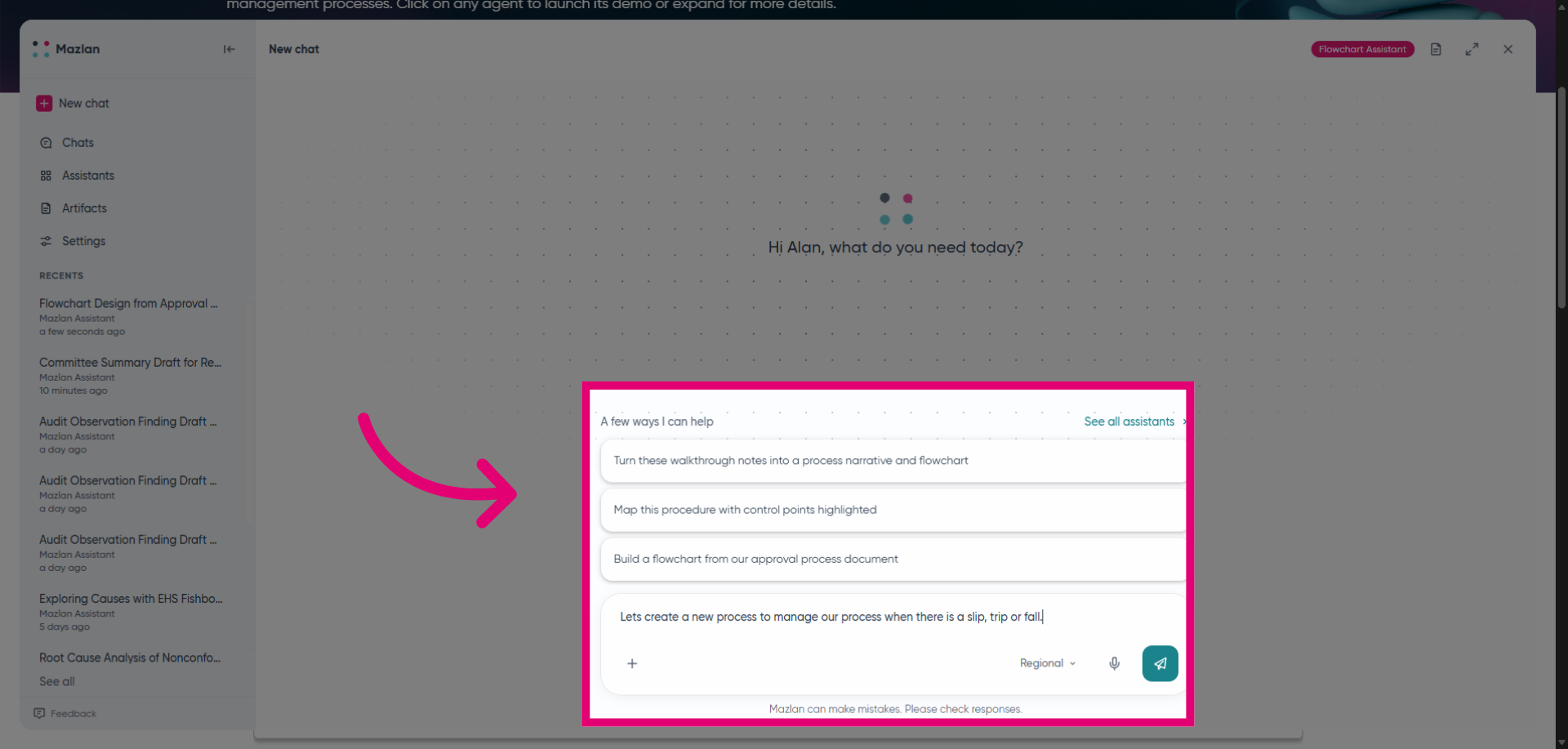
Select a suggested conversation or start one of your own.
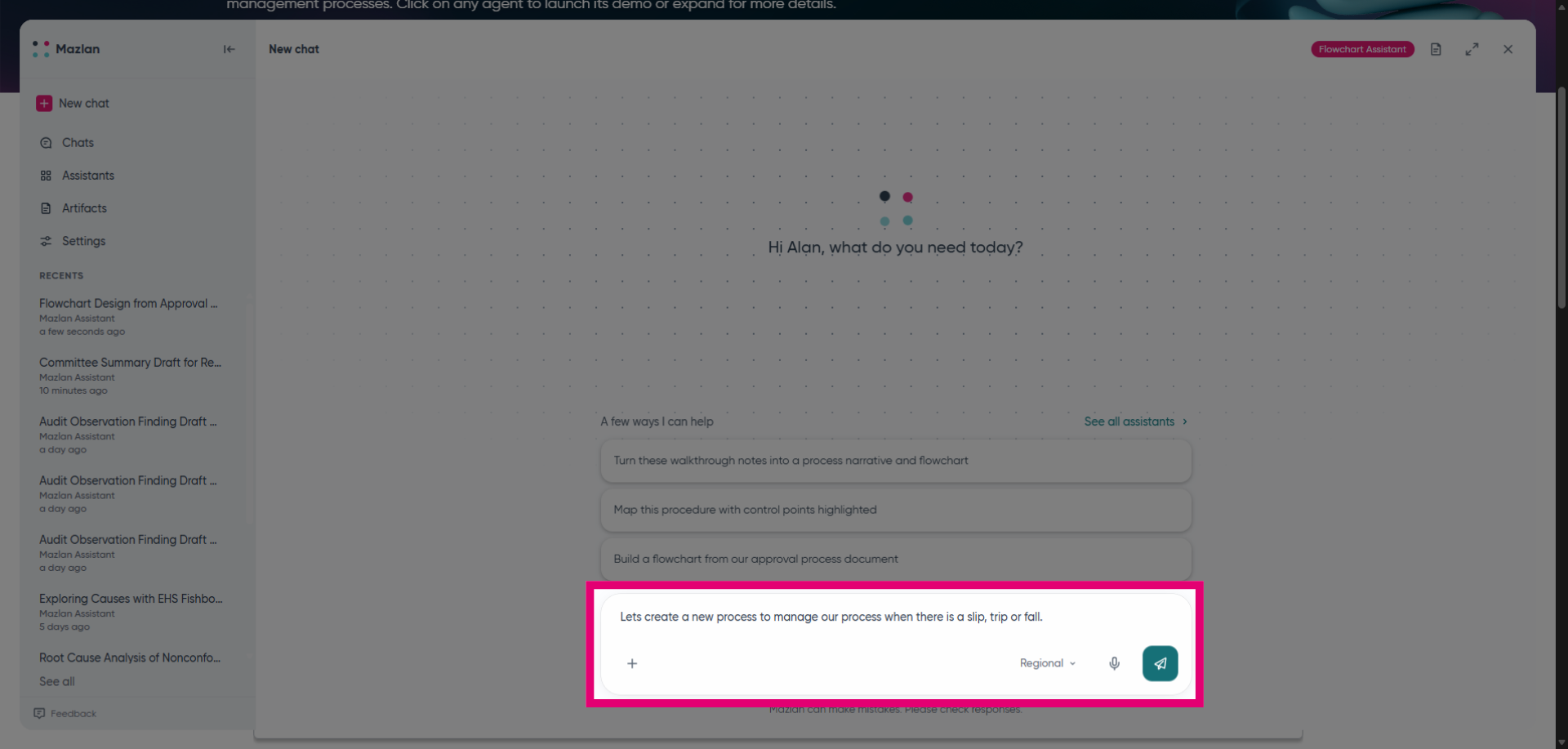
Ask Mazlan to help create a new process. In this example, we'll request a process for a slip, trip or fall.
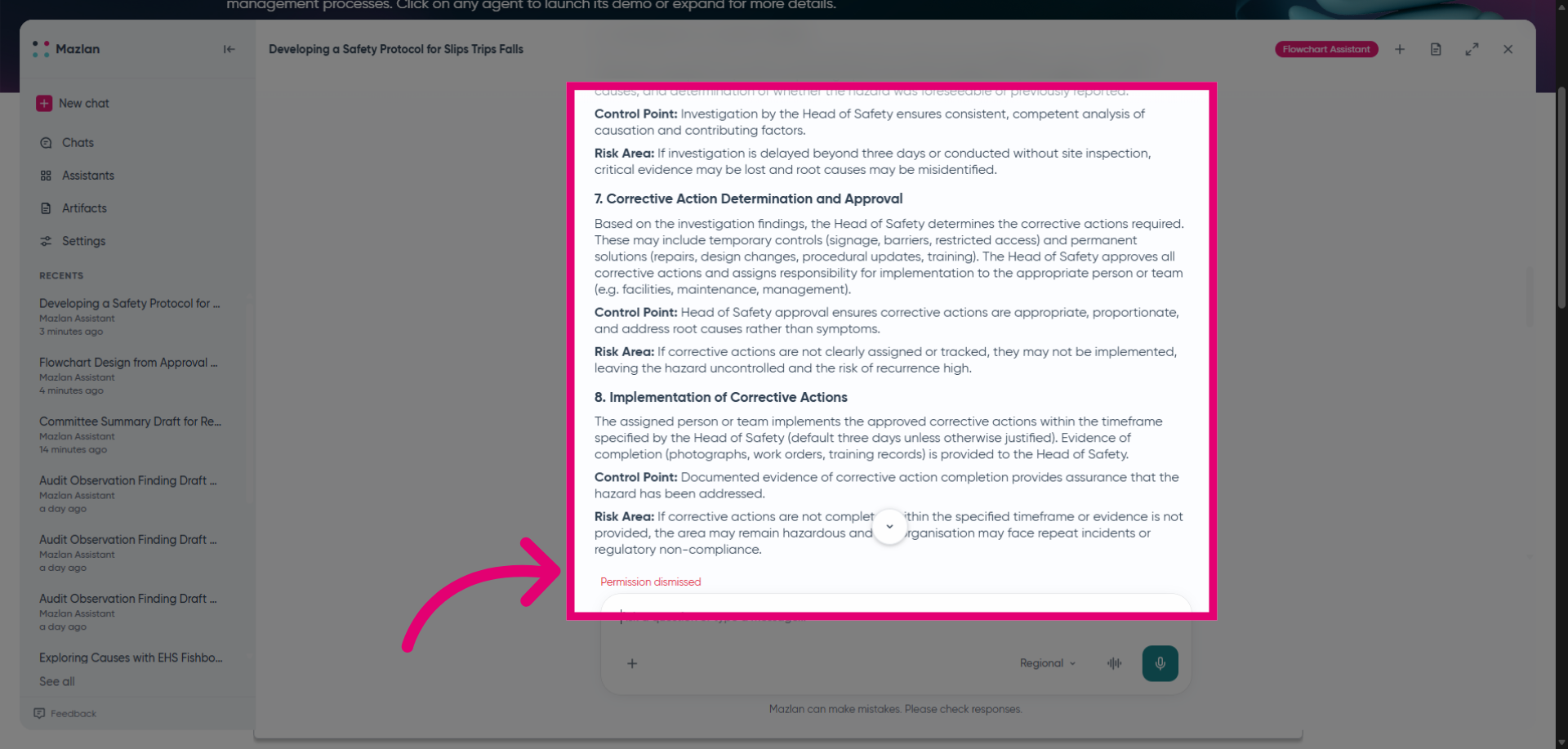
Review Mazlan's response. In this example, Mazlan has explained the information needed to build the process.
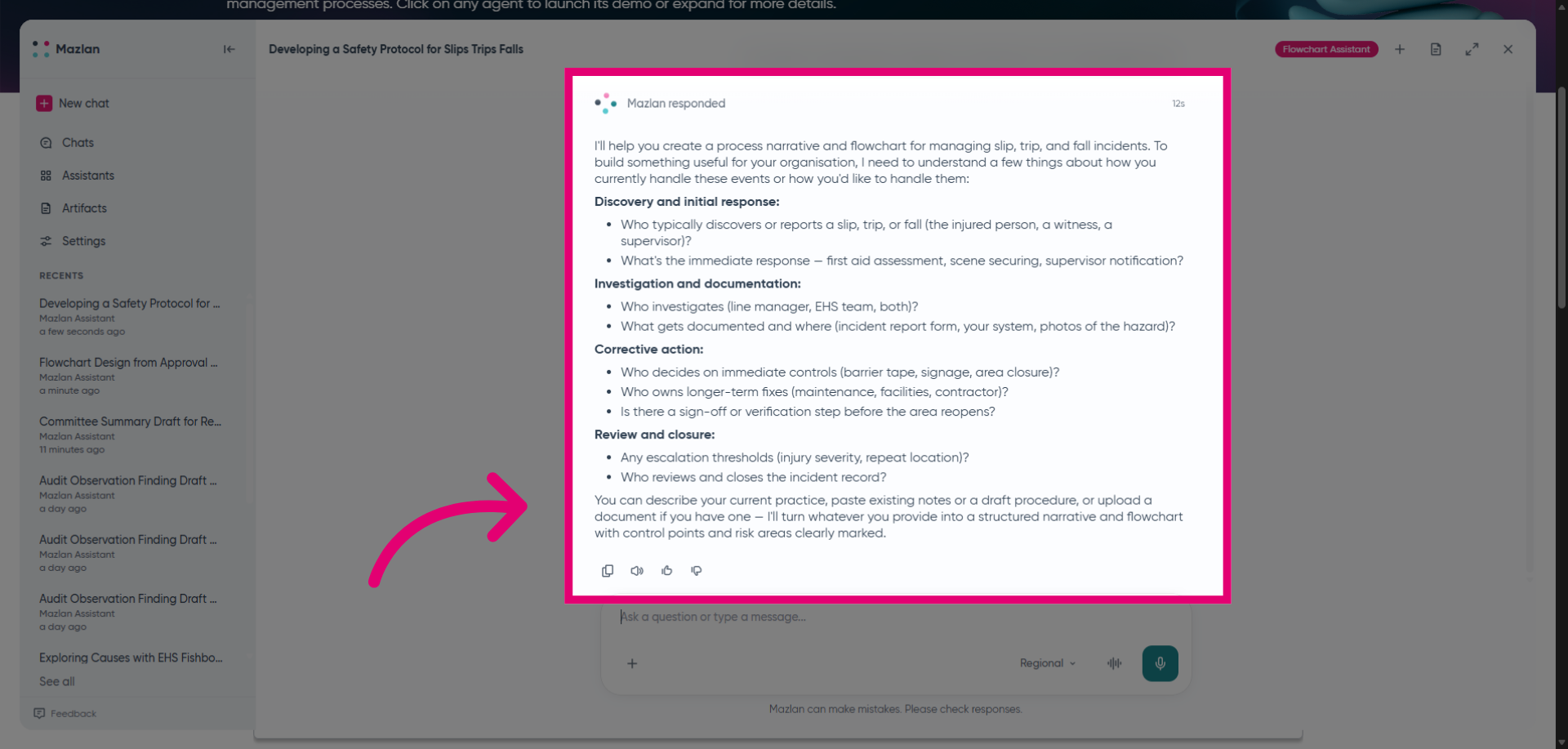
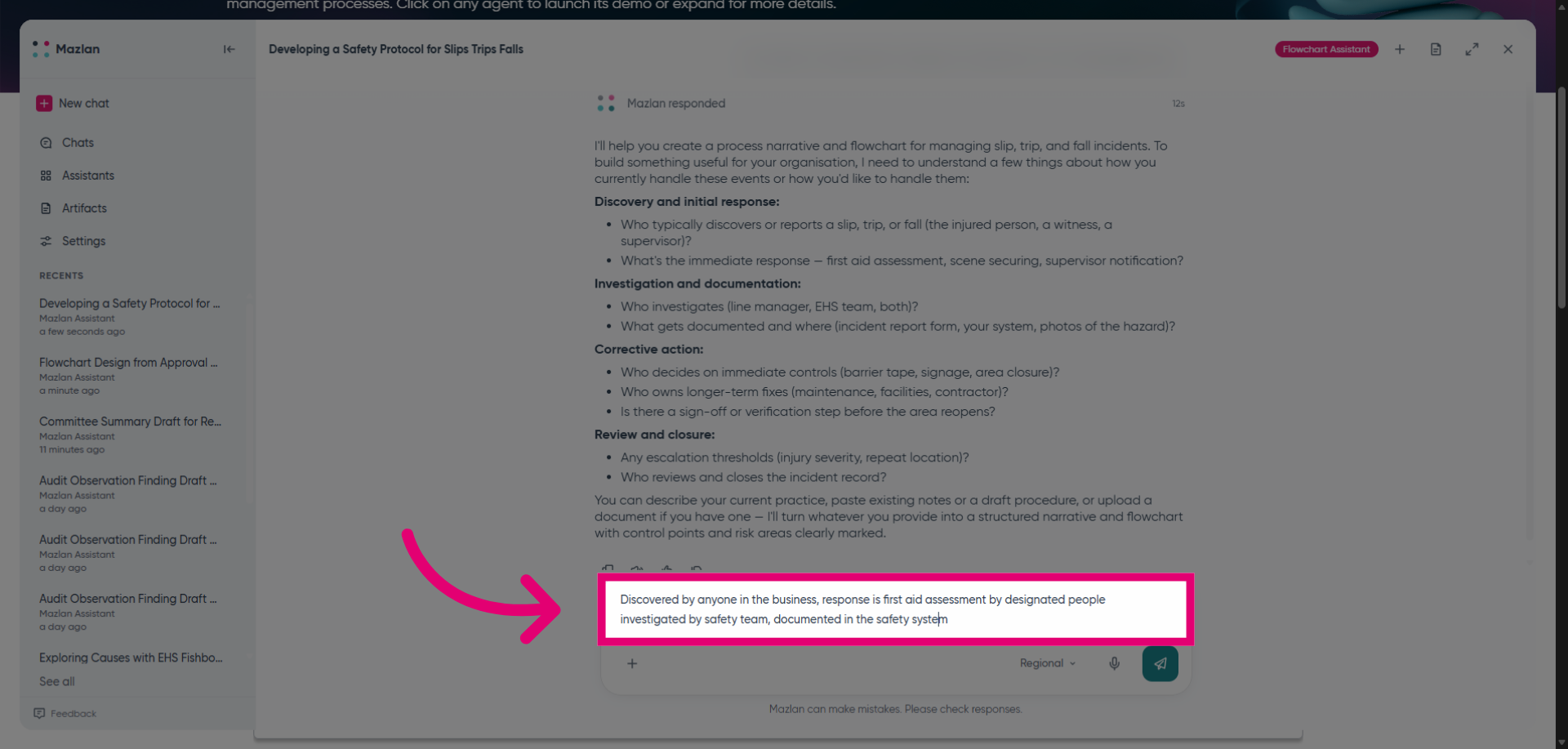
Provide any details Mazlan requires to create a process. Remember, your results depend on your prompts. Mazlan's responses are shaped by the detail and clarity you provide. If results aren't quite right the first time, try adding more context or rephrasing your question. Every user's experience may vary—and that's okay. You're in control of how you interact with Mazlan.
Review the output and make any changes. When you are happy with the output you can have this downloaded for sharing or upload to your Ideagen solution.