


New article
Recently updated
Creating a new reply to a post

Who is this article for?
Users who want to contribute in Luminate Community.
Ideagen Luminate Community account is required.
Replies from our members are what makes our community shine. If you think you can take a conversation further by providing an answer, asking a clarifying question, or sharing your own experience, we want to hear it.
This article shows you how you can add a reply to a post.
1. Creating a reply
To create a reply:
- Go to Ideagen Luminate Community.
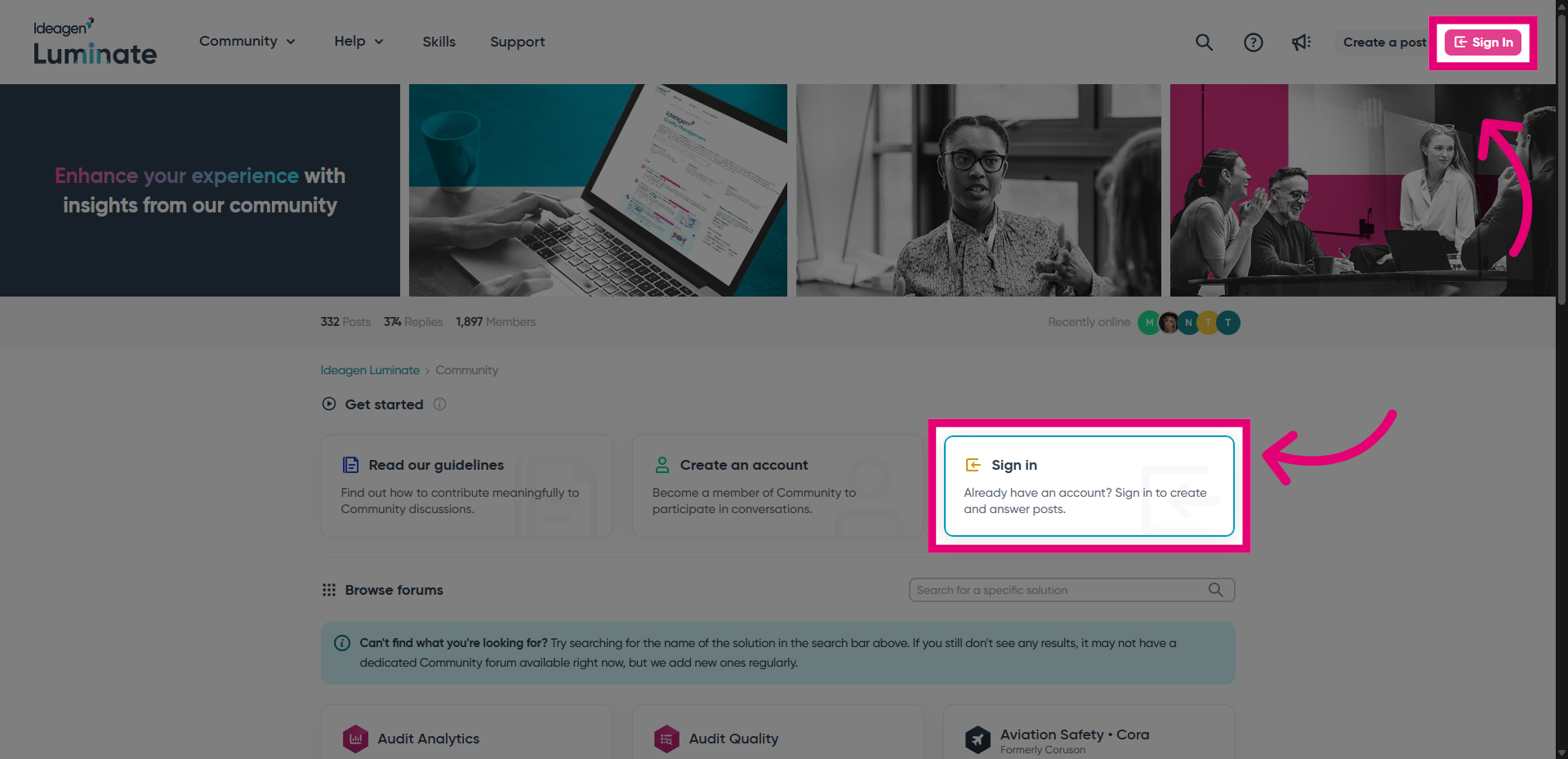
- Sign into the portal.
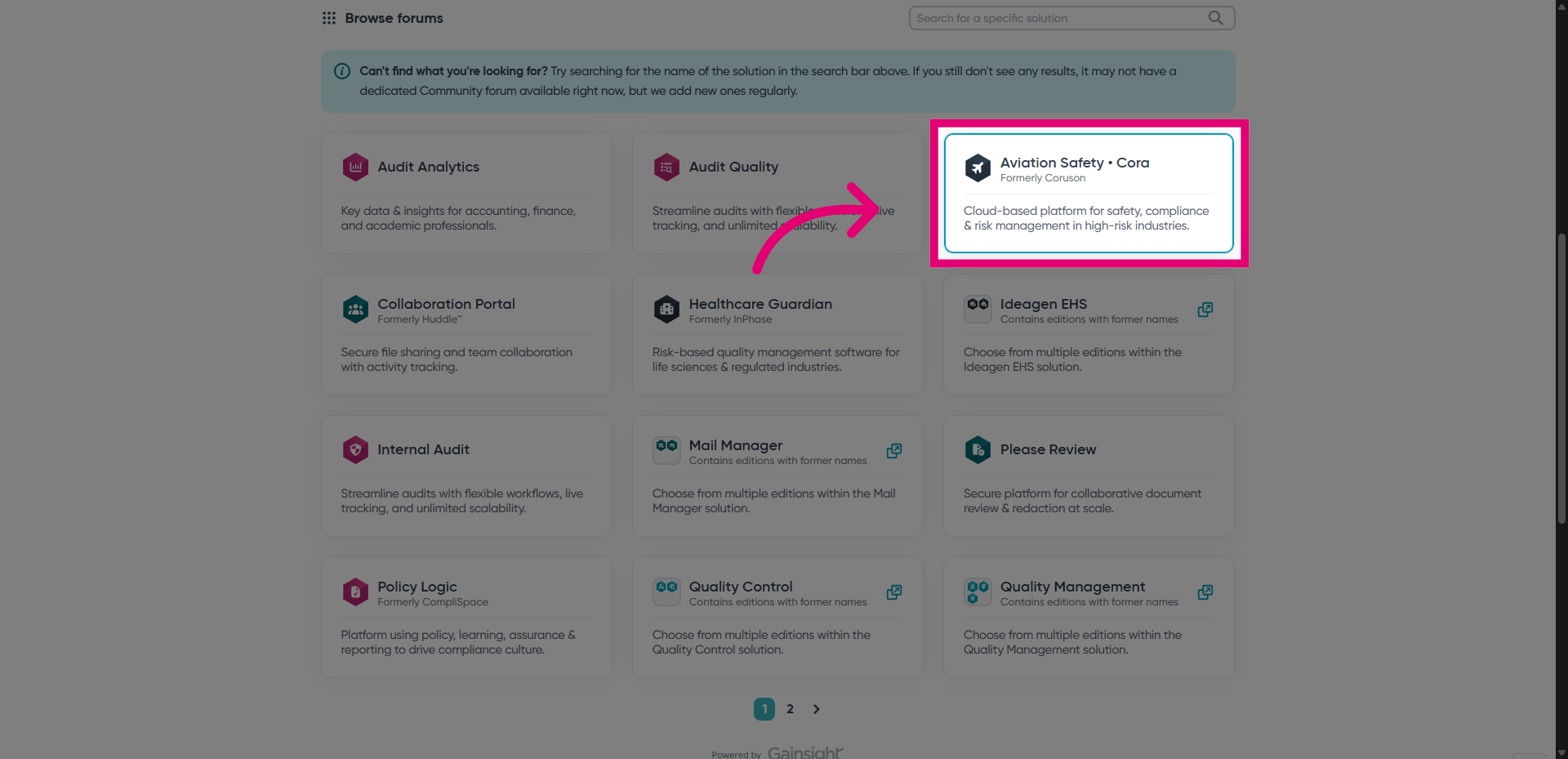
- Select a solution to see its posts.
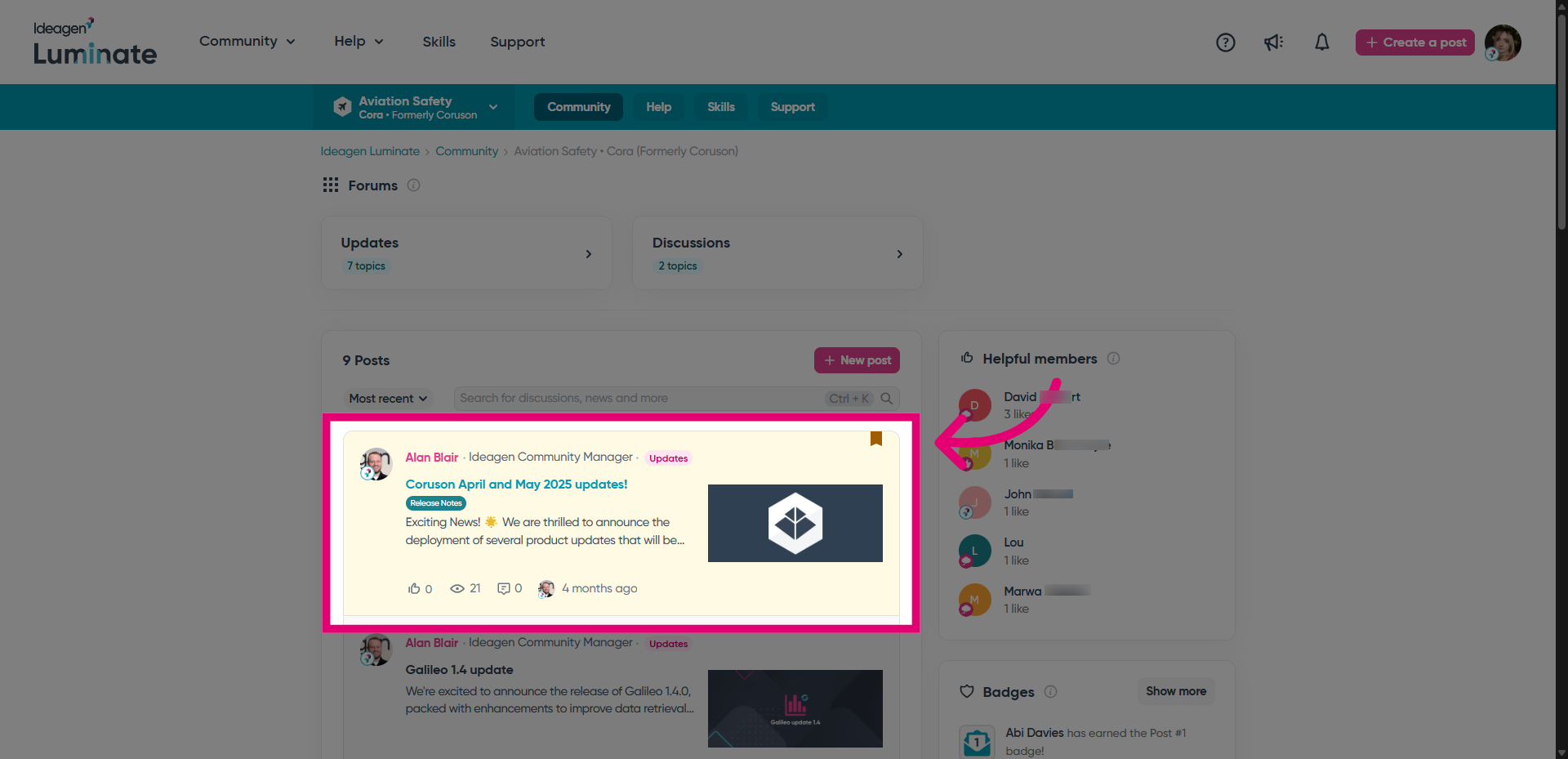
- Open a post you want to reply to.
- Write your Reply.
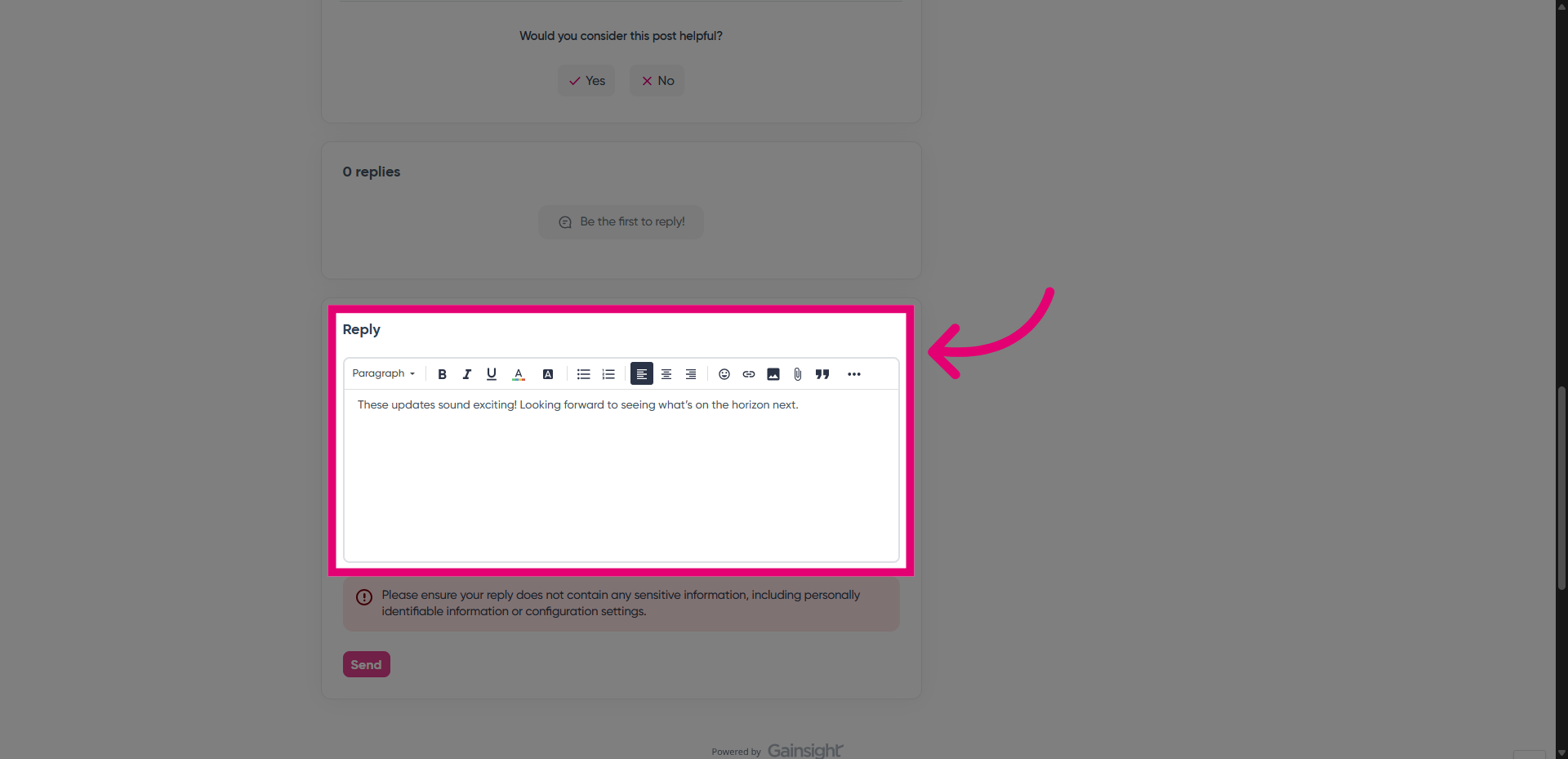
- Click Send.