


New article
Recently updated
Managing existing support tickets

Who is this article for?
Customers looking for help with viewing or updating a support request.
Ideagen Luminate Help and Support account is required.
Once you've opened a support ticket with us, you can review or reply to it at any time.
This article will show you where to find the tickets you opened or ones you are managing on behalf of your organisation.
1. Viewing tickets
To view all tickets:
-
Go to Ideagen Luminate.
-
Click the Support tile.

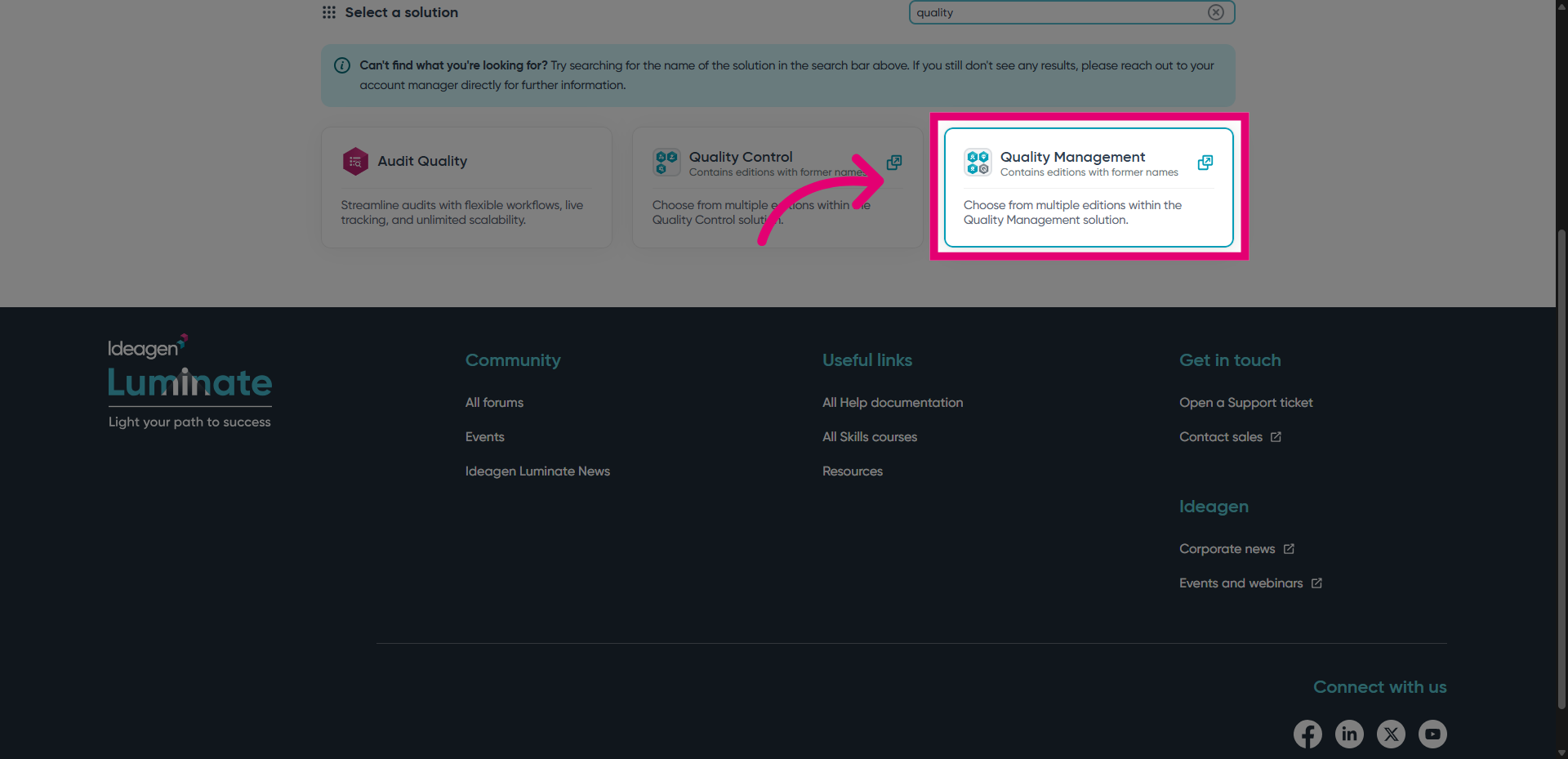
- Select the solution you need help with.
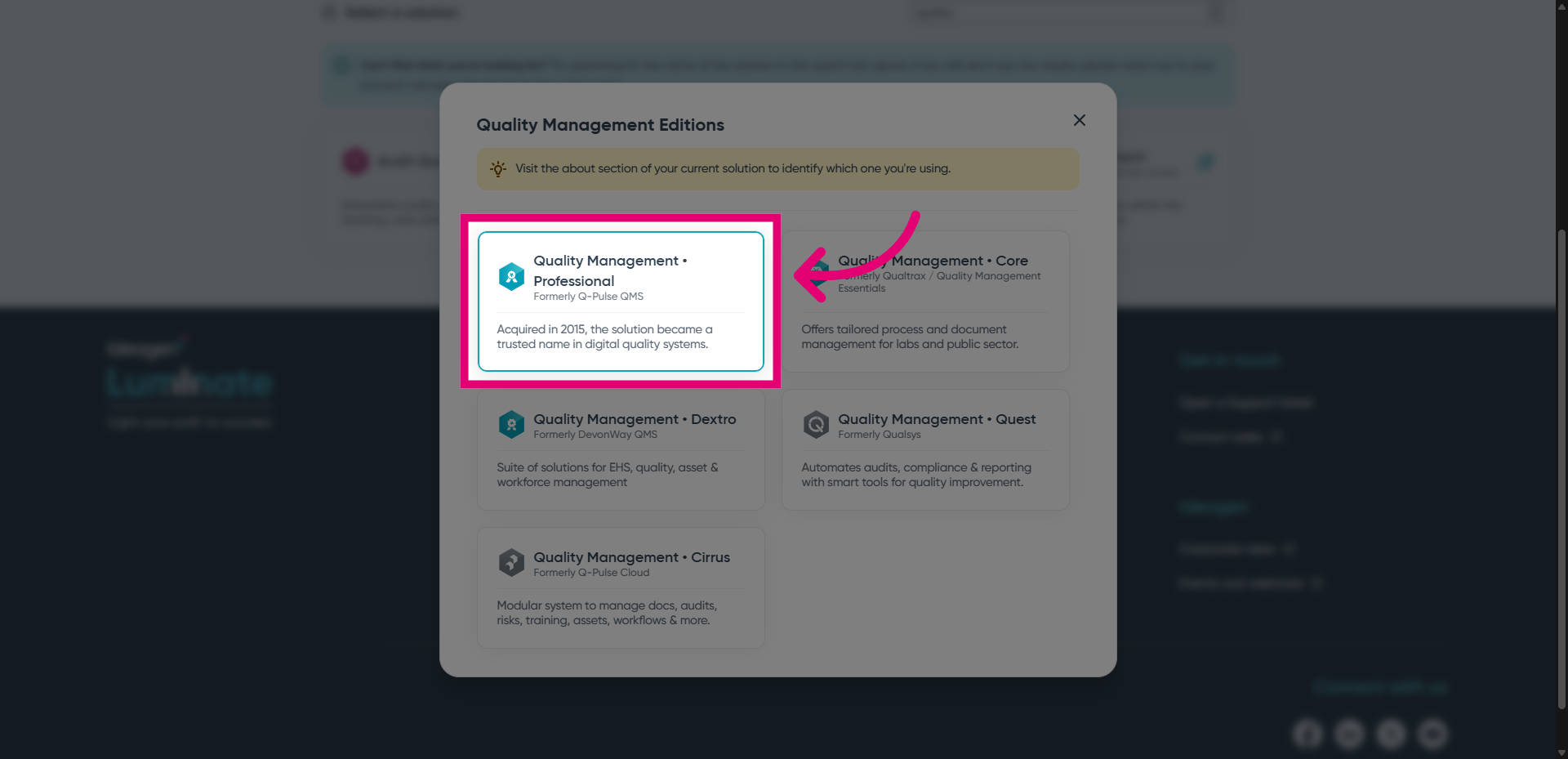
- Select its edition.
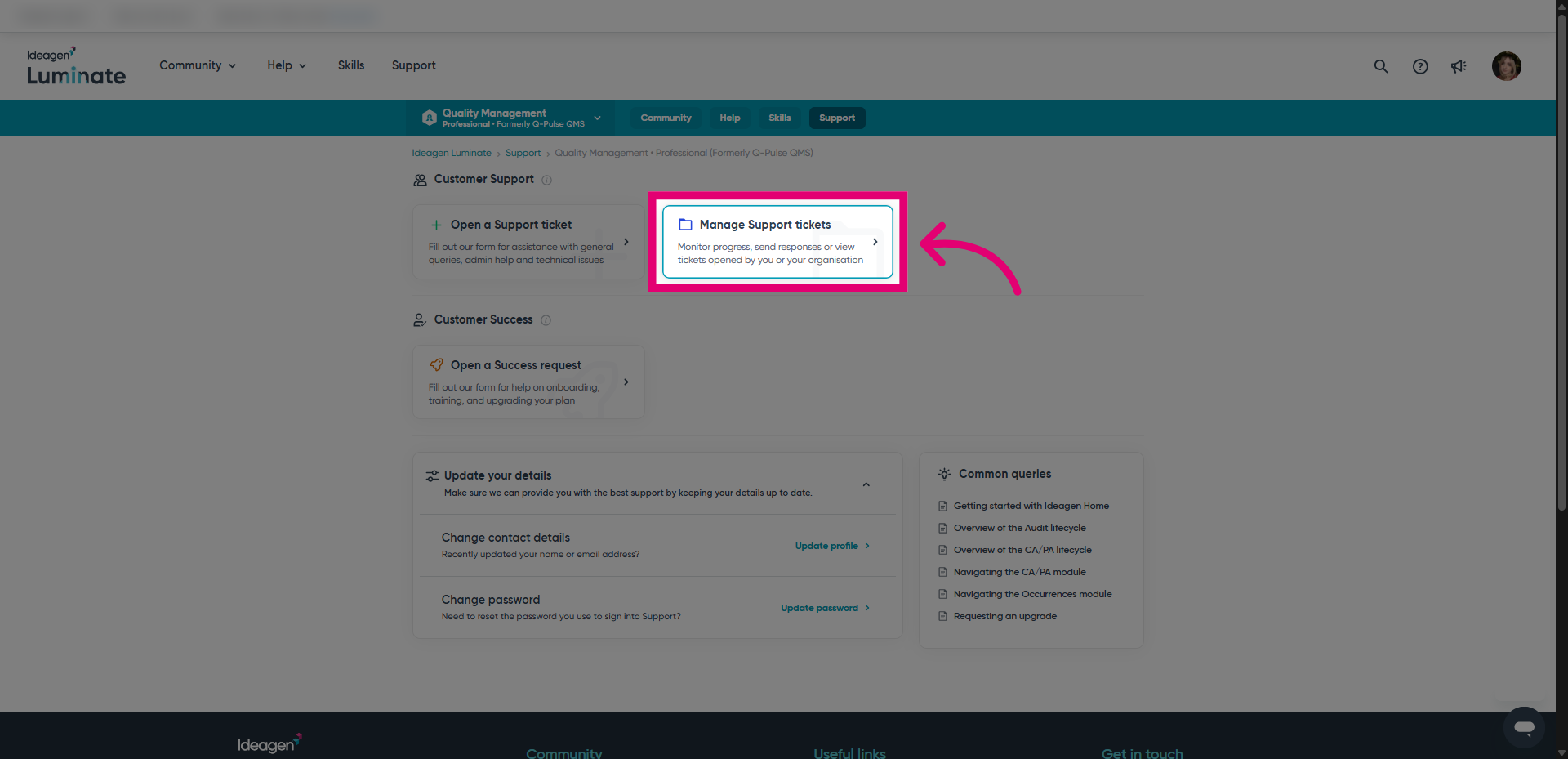
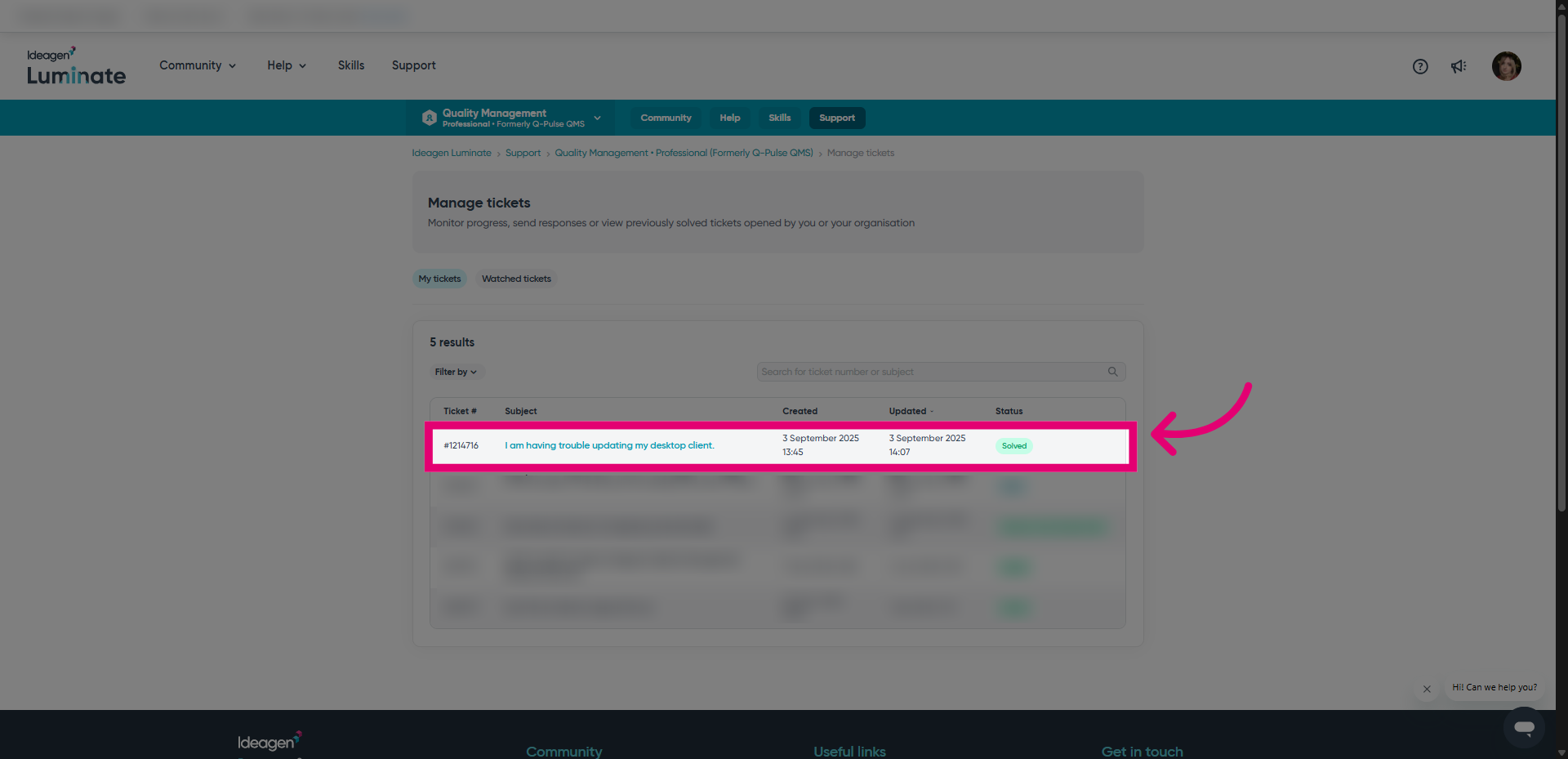
- Click Manage tickets.
You will only see this option if you are signed into your Ideagen Luminate Support account.
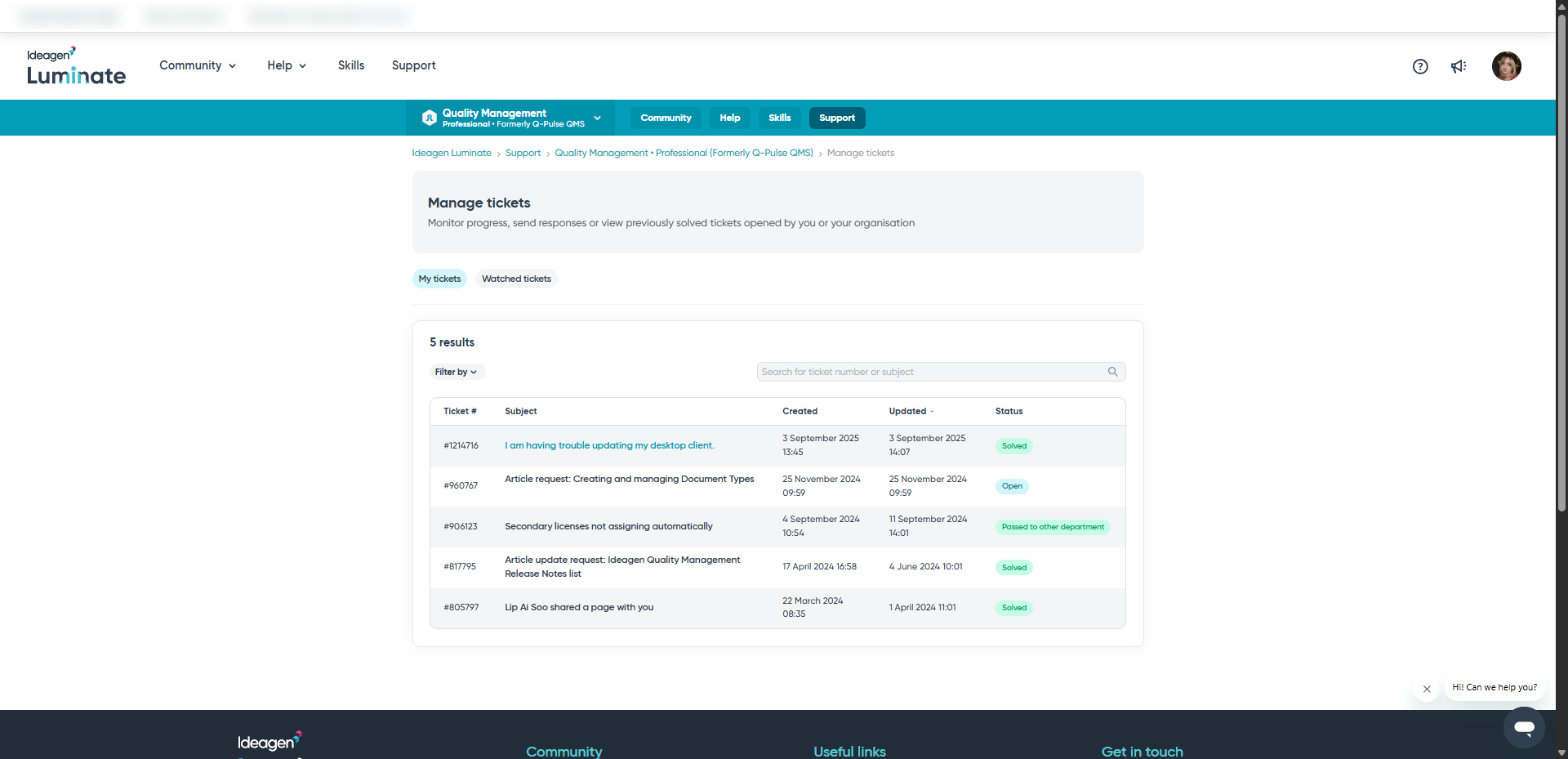
This will take you to a new page with a list of all tickets for the solution. You can switch between the available tabs to view different types of requests.
2. Updating a ticket
To update a ticket:
- Open the ticket.
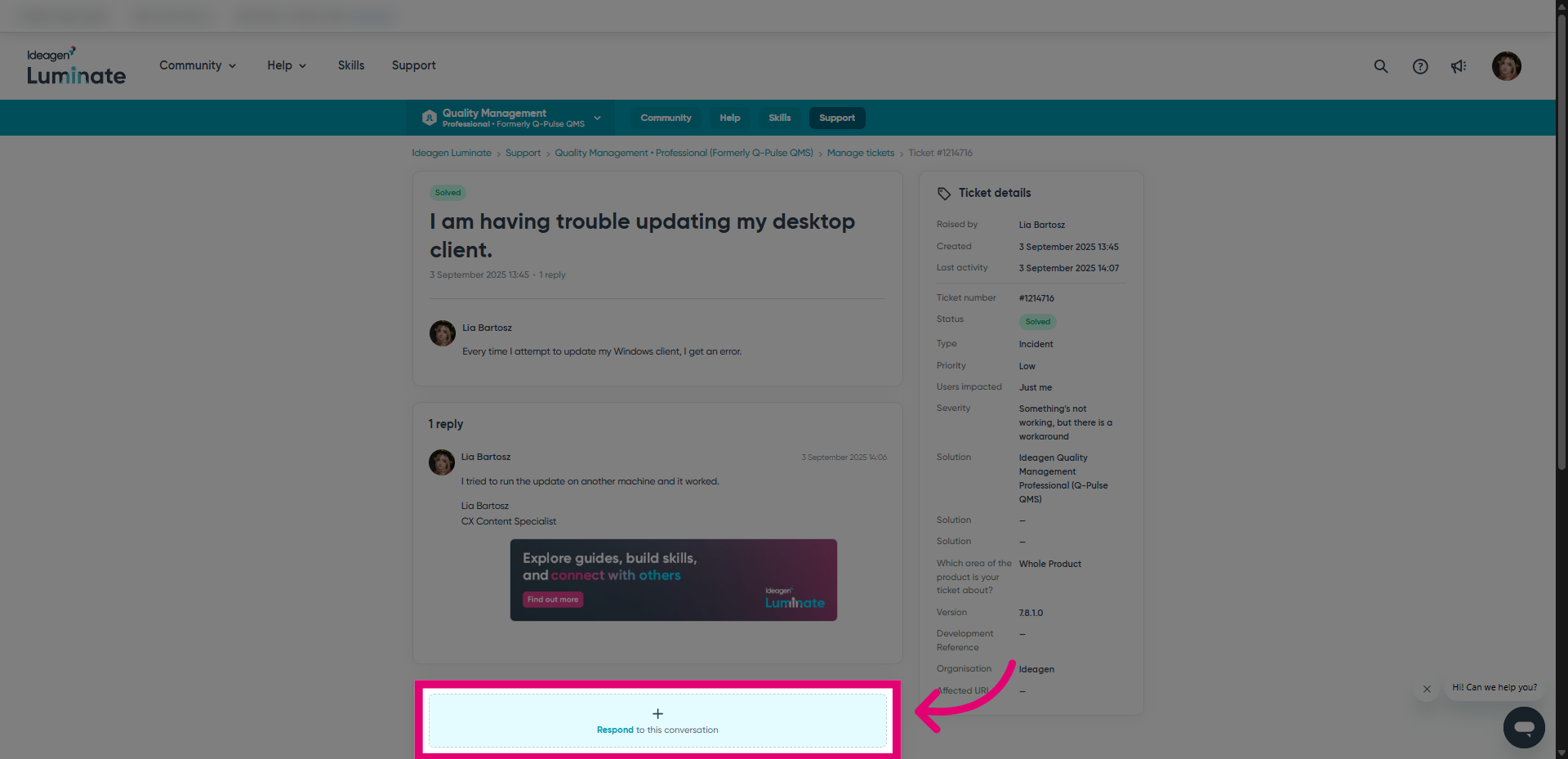
- Click Respond.
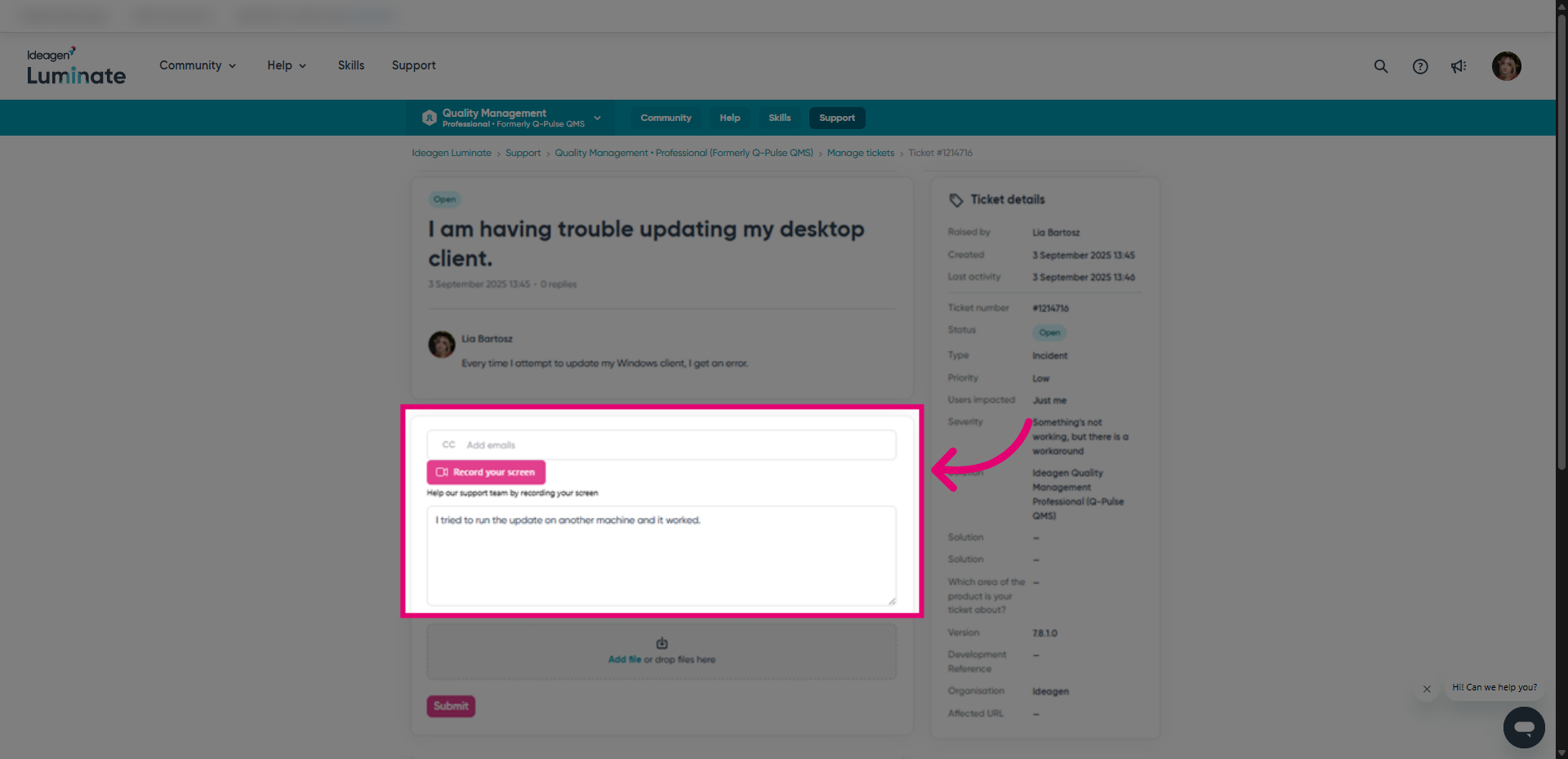
This will generate additional fields to fill in.
- Add watchers in CC (as needed).
- Enter your reply in the text field.
- Add files (as needed).
- Click Submit.
You should receive an email with a summary of your response to your email.