


New article
Recently updated
Changing your Ideagen Luminate Skills account details

Who is this article for?
Customers who want to update their Luminate Skills details.
Ideagen Luminate Skills account access is required.
You can easily change your account details, such as name, email, or password directly in Ideagen Luminate Skills.
This article shows you how you can make these updates.
1. Changing account details
To change your details:
- Go to Ideagen Luminate Skills.
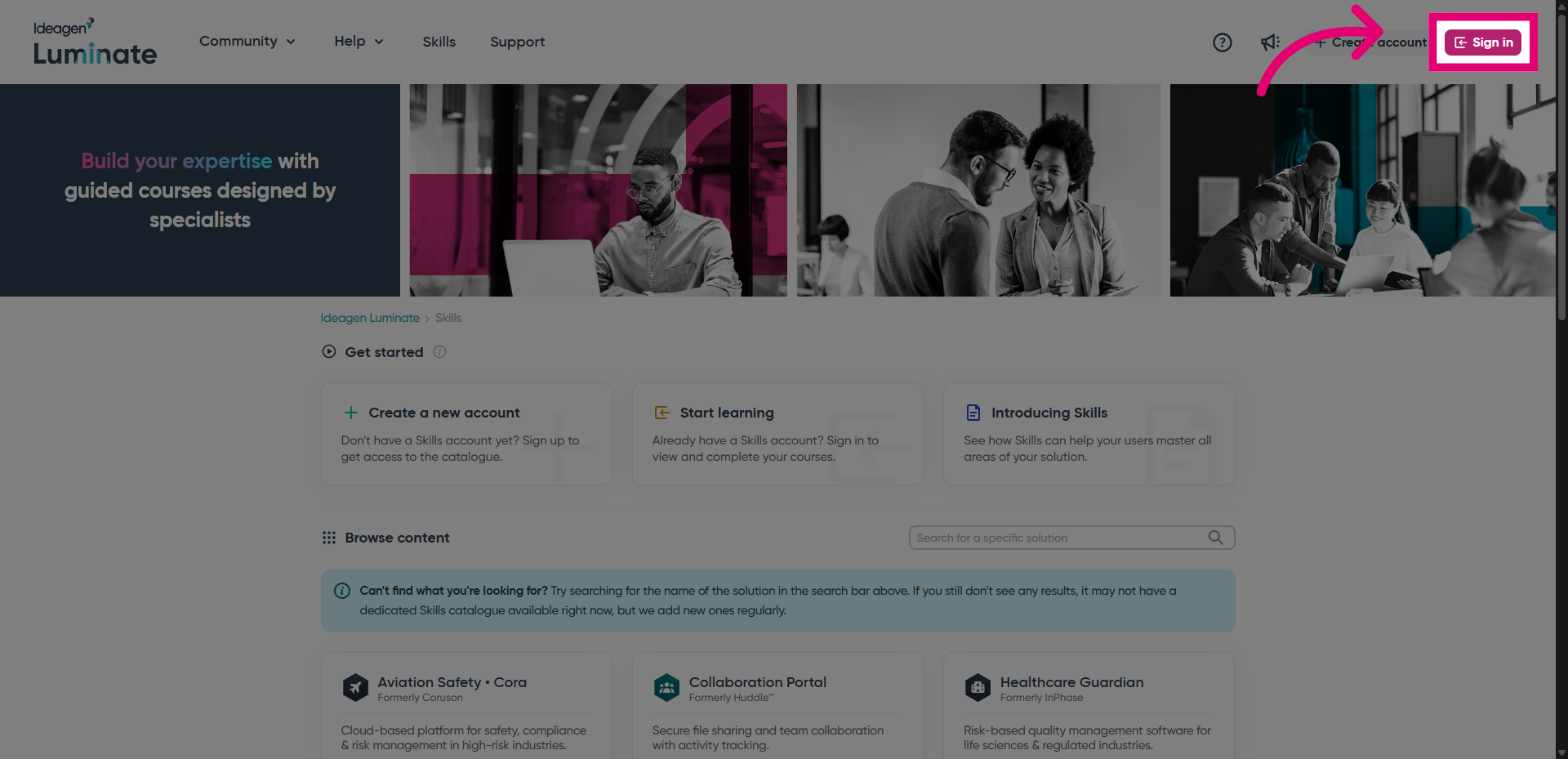
- Click Sign in to access your account.
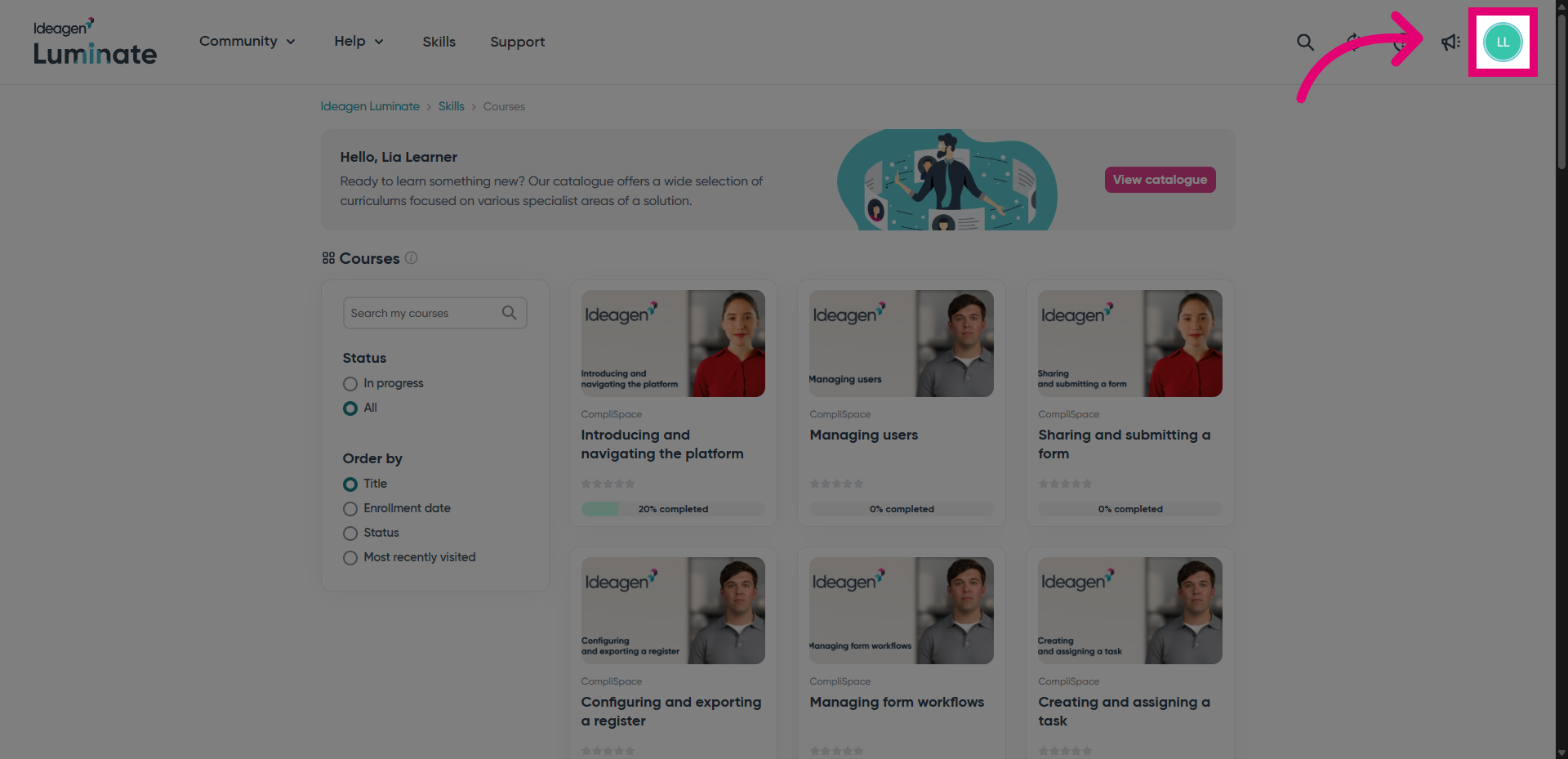
- Select your avatar in the top right-hand corner.
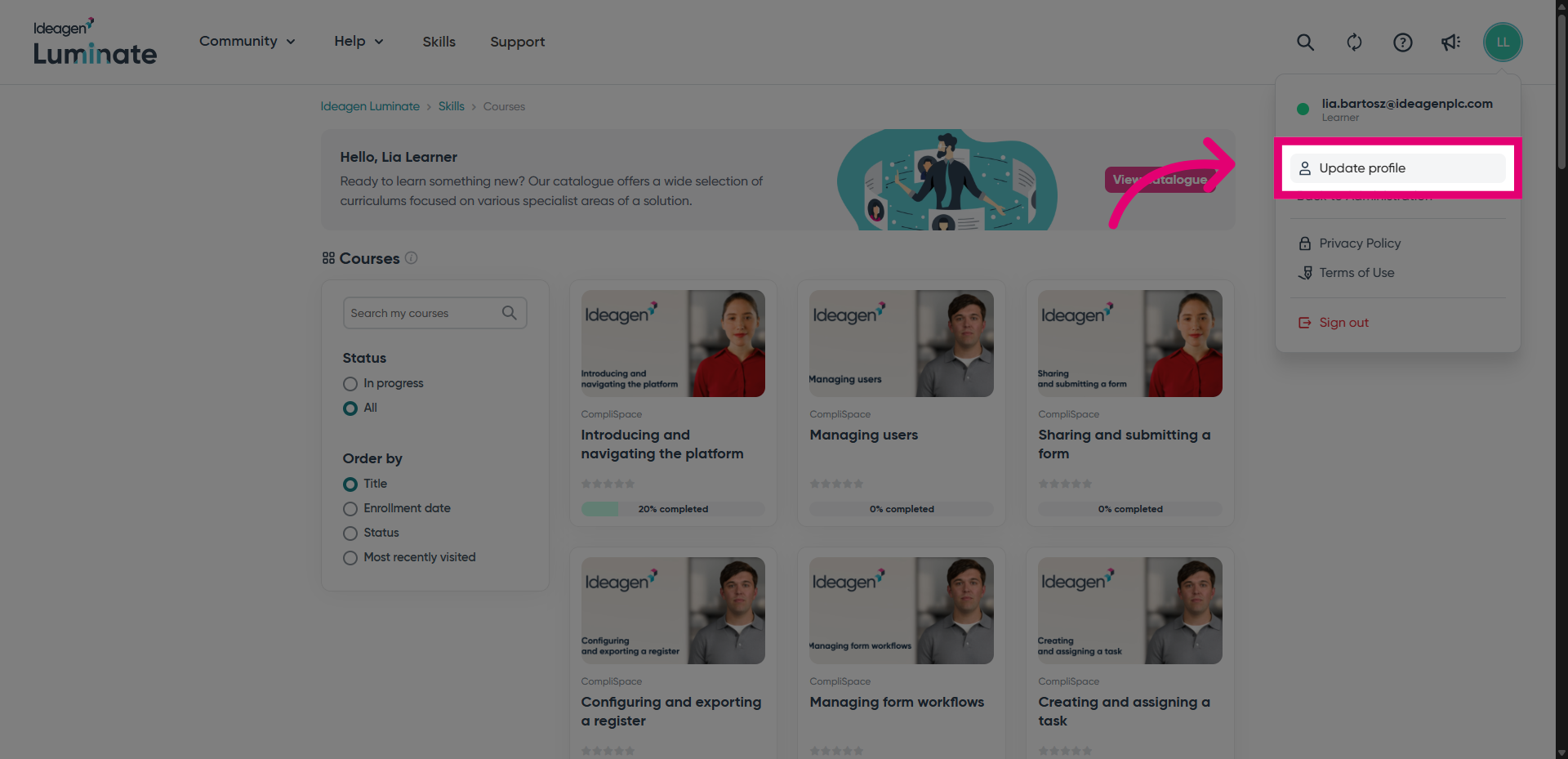
- Choose Update profile.
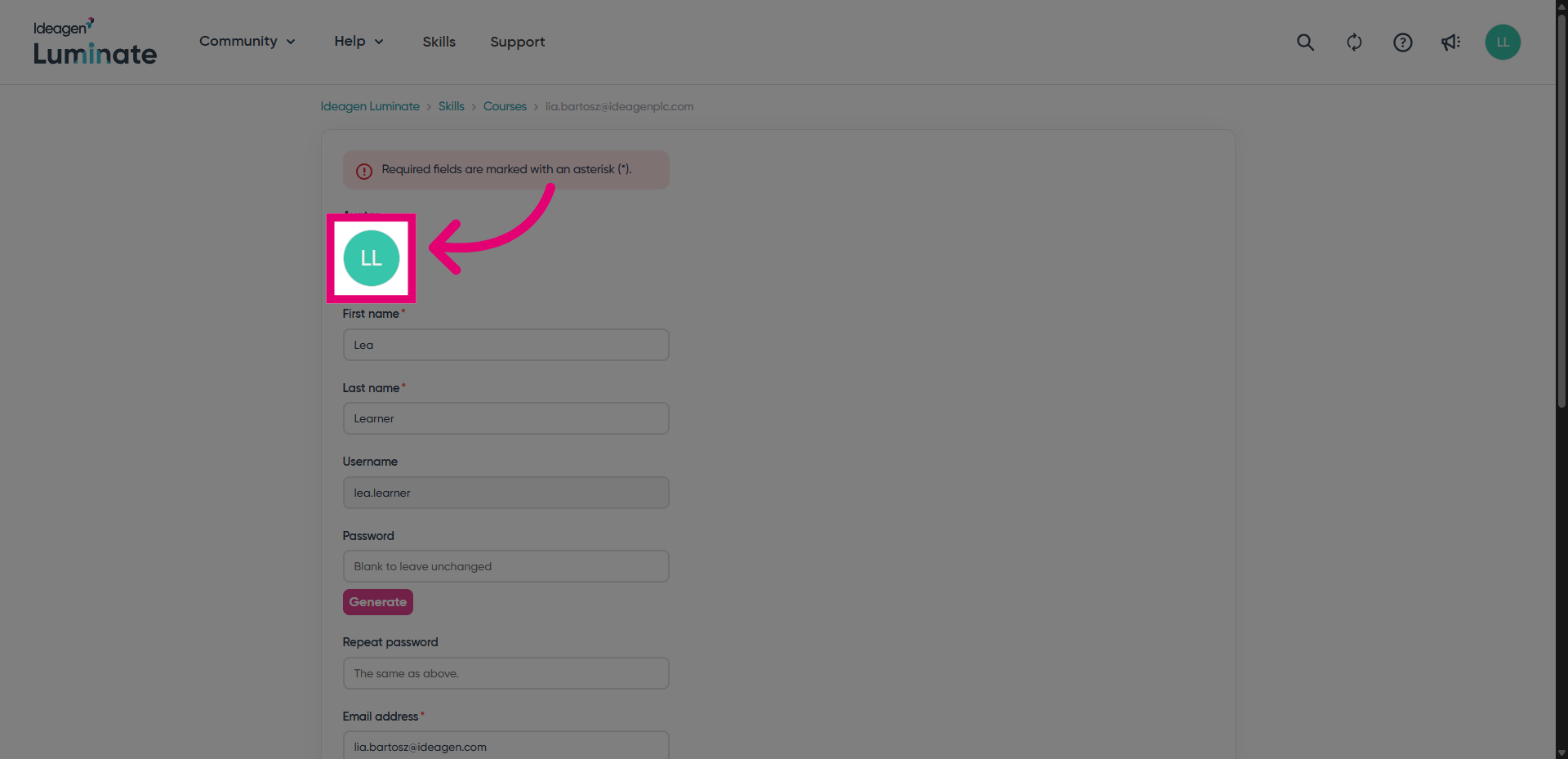
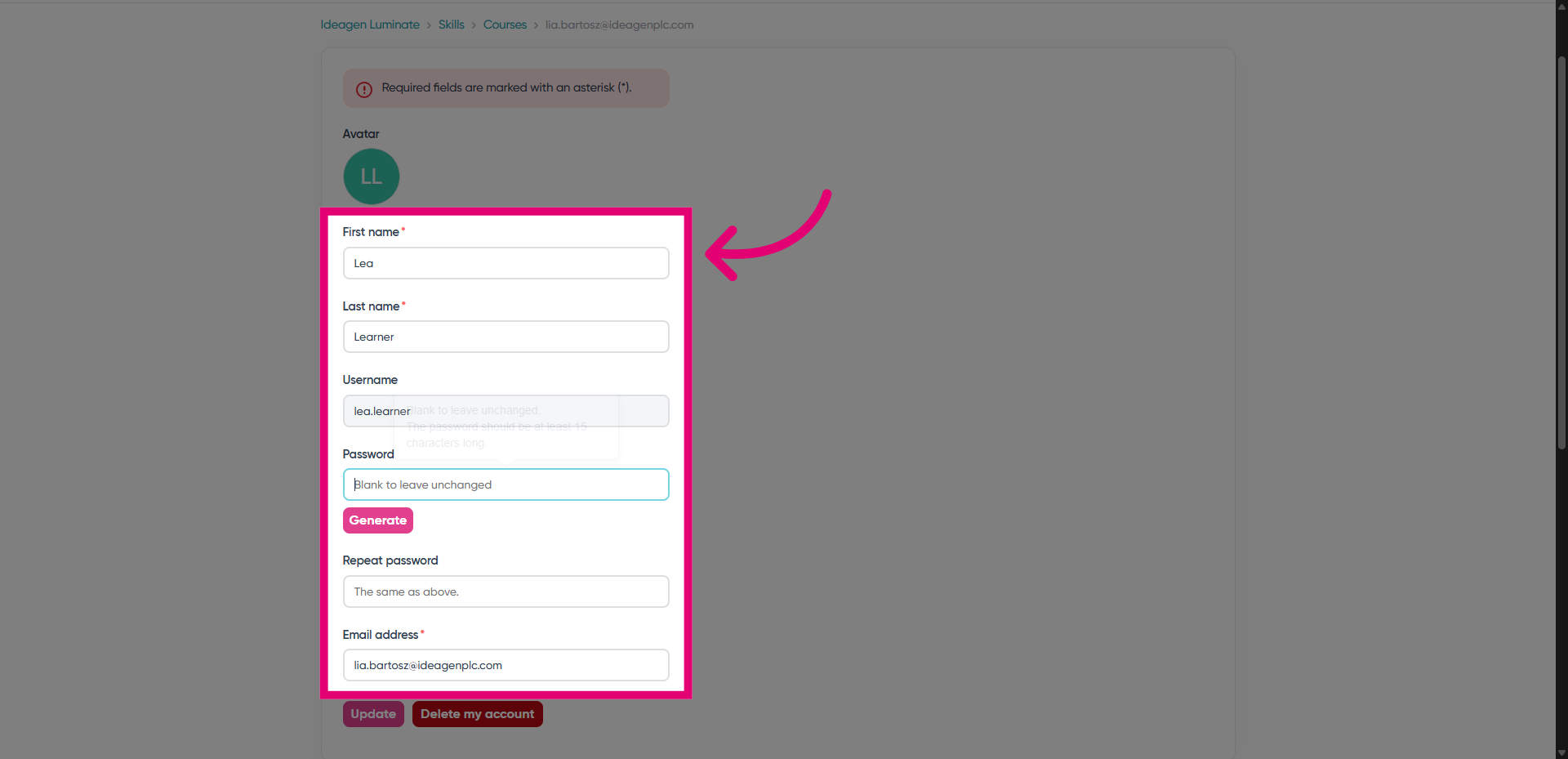
You will be taken to a new page where you can view your current account details.
- Click the Avatar to change your profile picture.
- Change your account details as needed.
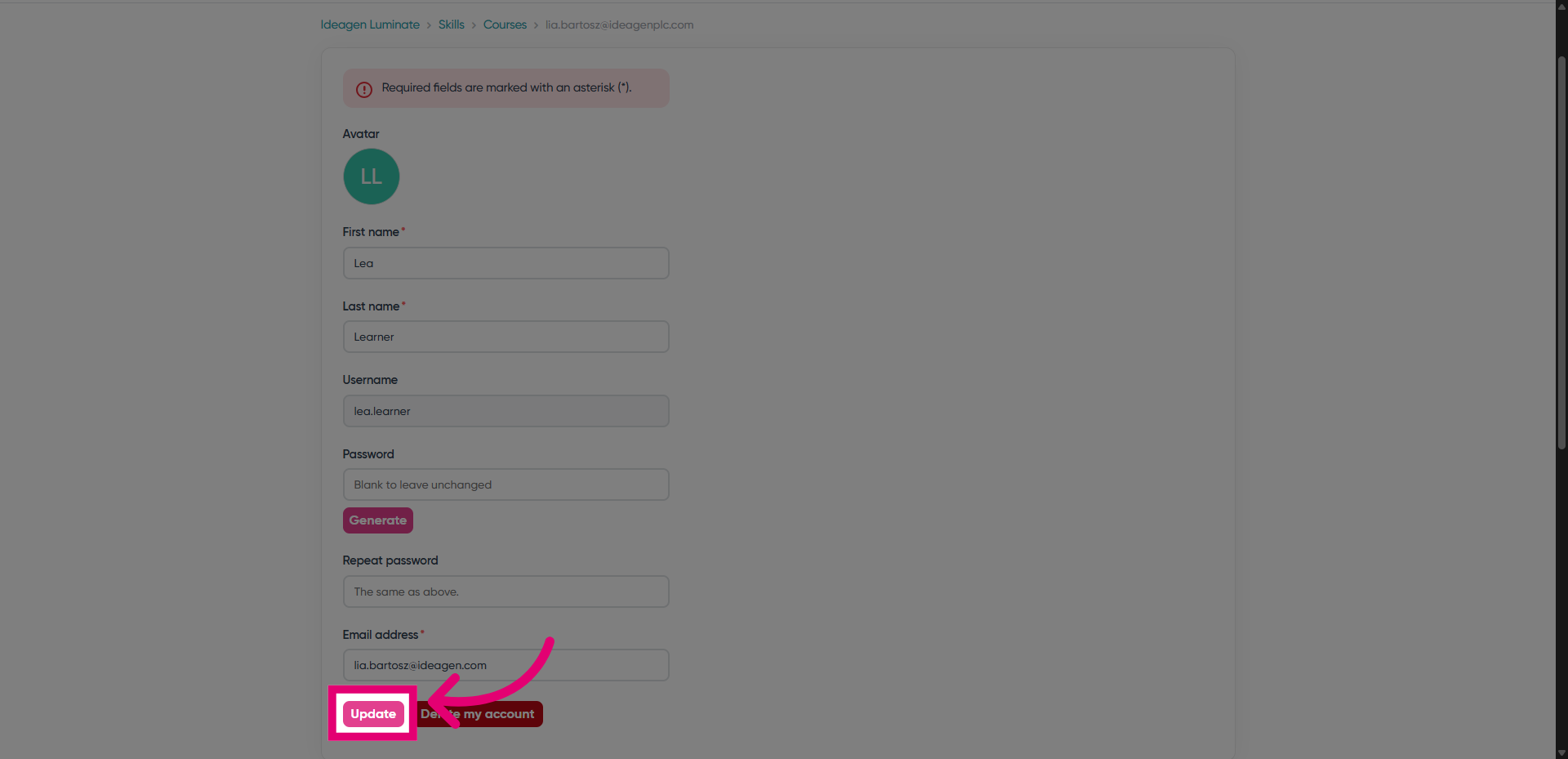
- Click "Update" to confirm your changes.
Looking to change your details because you can longer access your account?
Look at our guide to recovering an existing account to regain access.