New article
Recently updated
Completing a course

Who is this article for?
Users who need help with completing a Luminate Skills course.
Ideagen Luminate Skills account is required.
Once you have enrolled in a course, you can complete it at any time by finishing each of the modules within.
This article shows you how you can do that.
1. Completing a course
To complete a course:
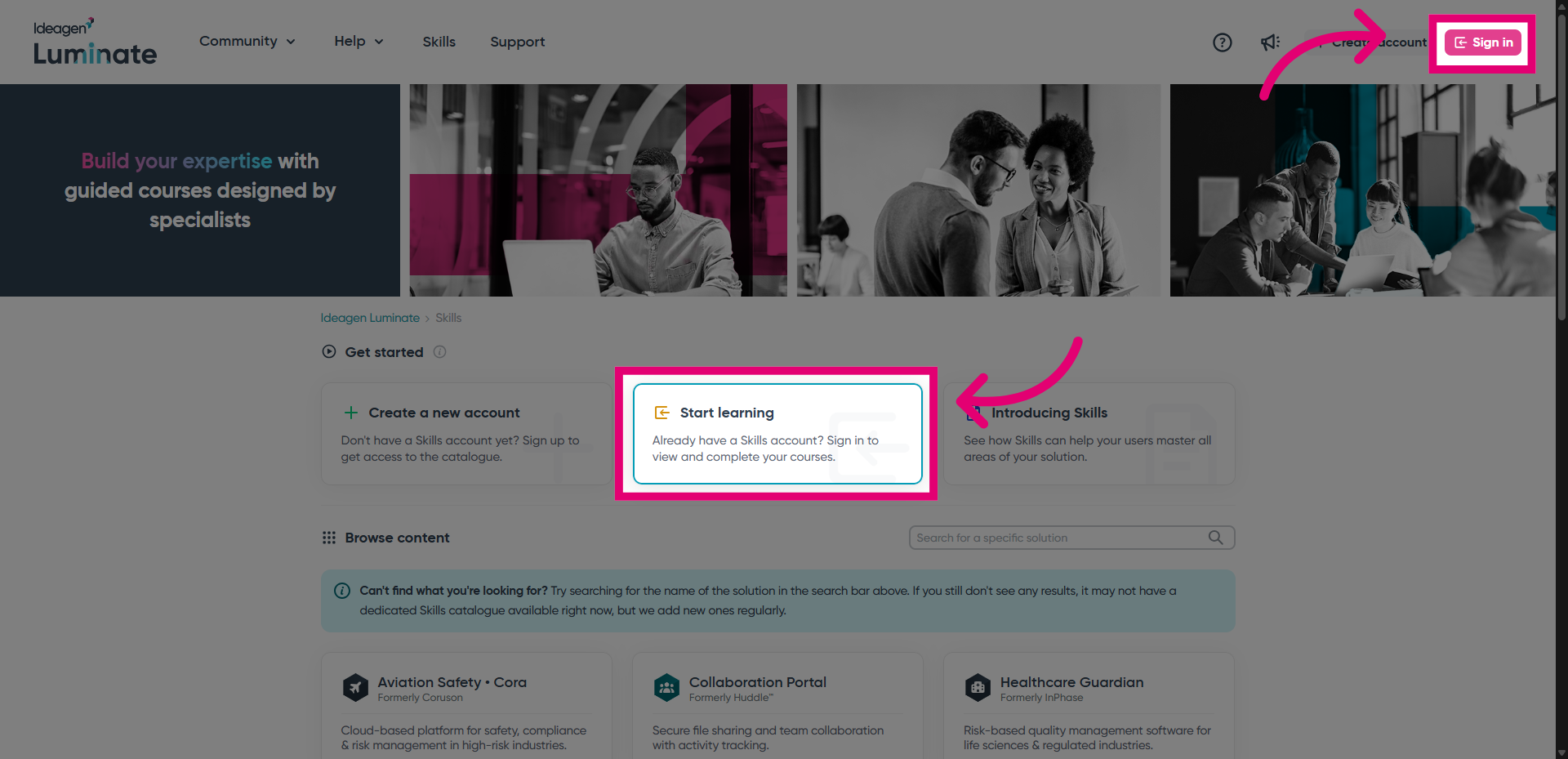
- Go to Ideagen Luminate Skills.
- Sign into the portal.
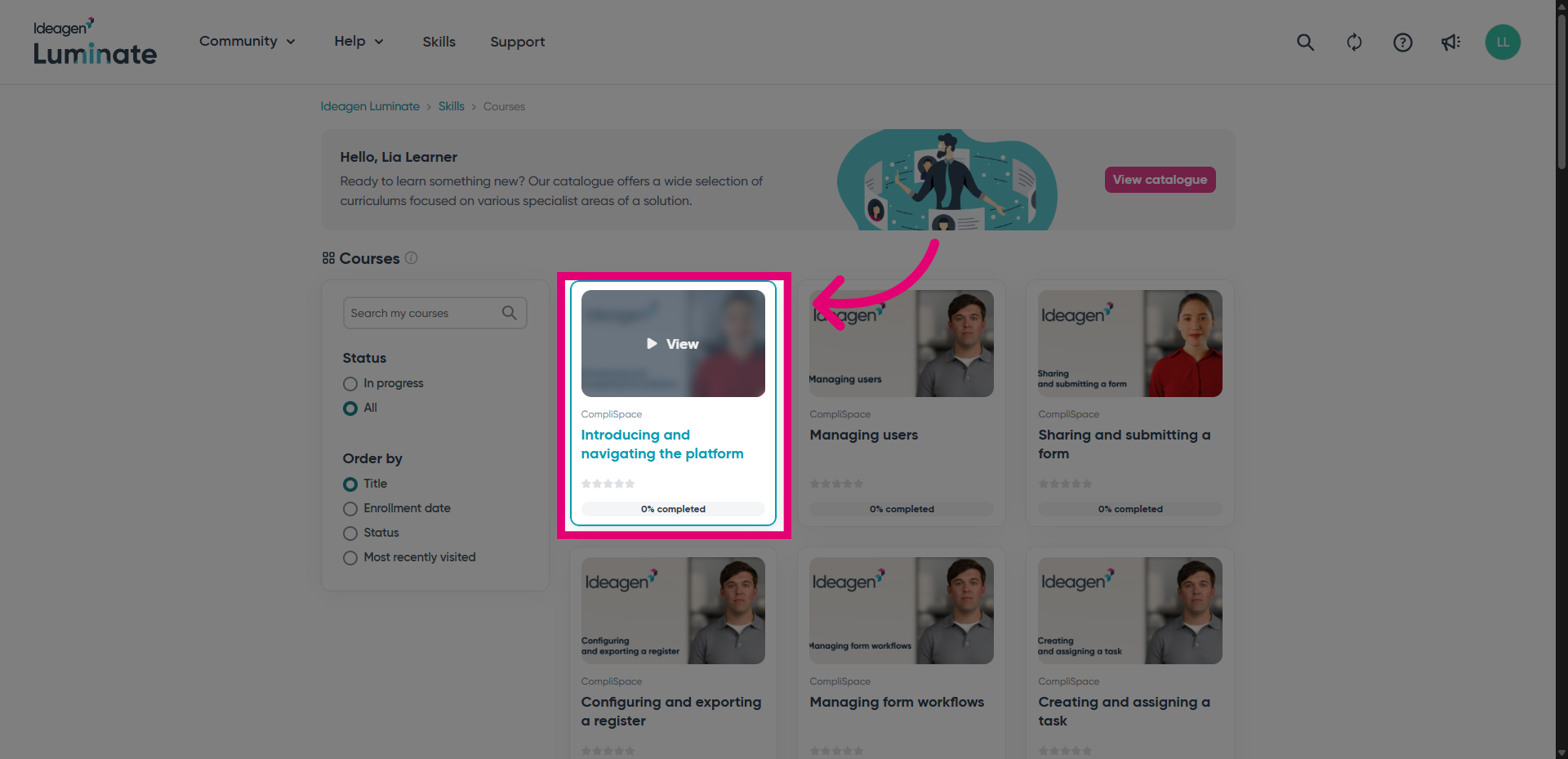
You will be taken to an overview of courses you enrolled in previously.
- Open a course by clicking its name or thumbnail.
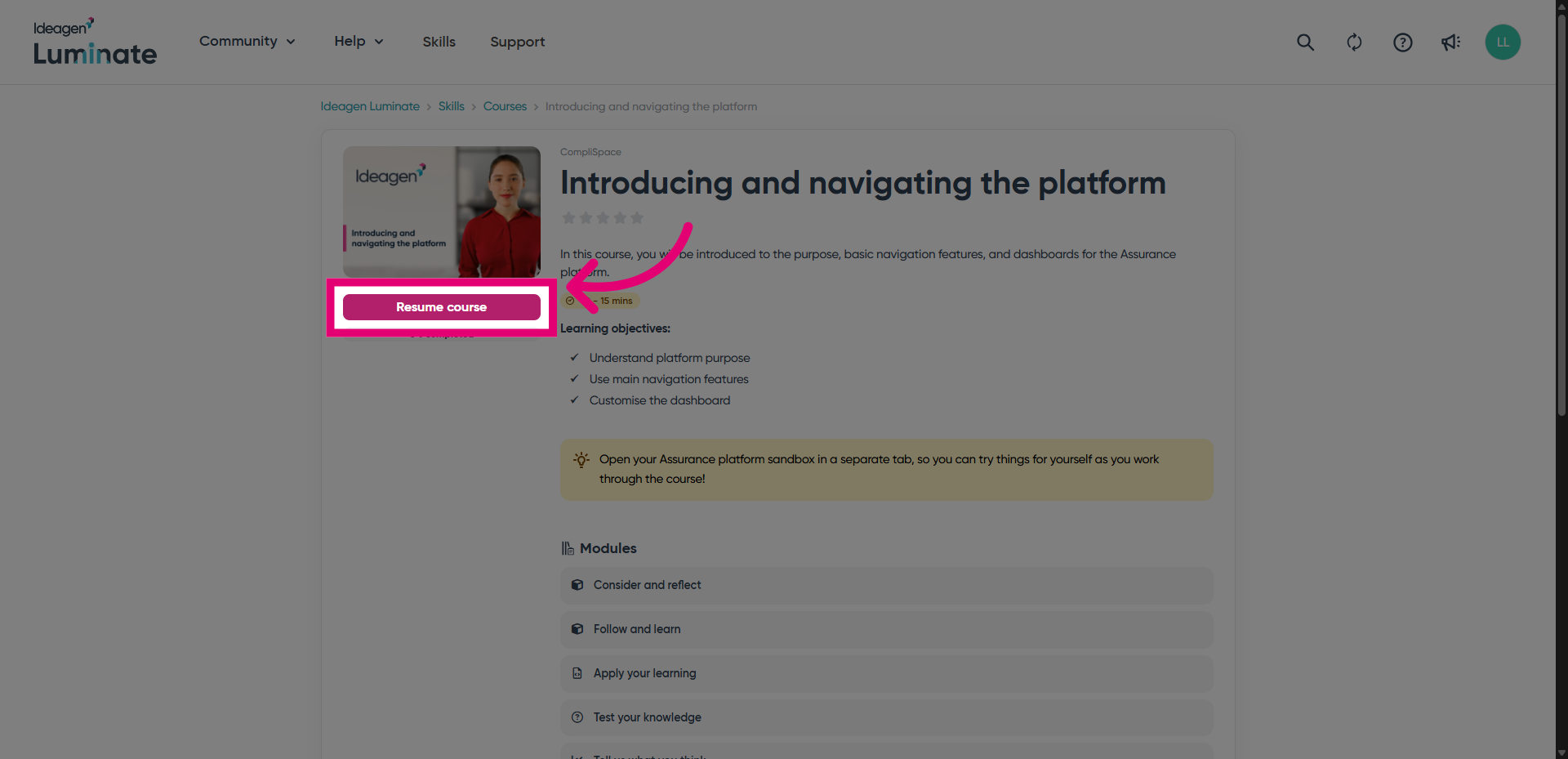
- Click Resume course to be brought back to the last module you were studying.
- Study each module.
- Click Complete and continue once done to move on.

- Alternatively, you can navigate between the modules by selecting one from the list on the right.
We do recommend completing the modules in the order they're listed, though.

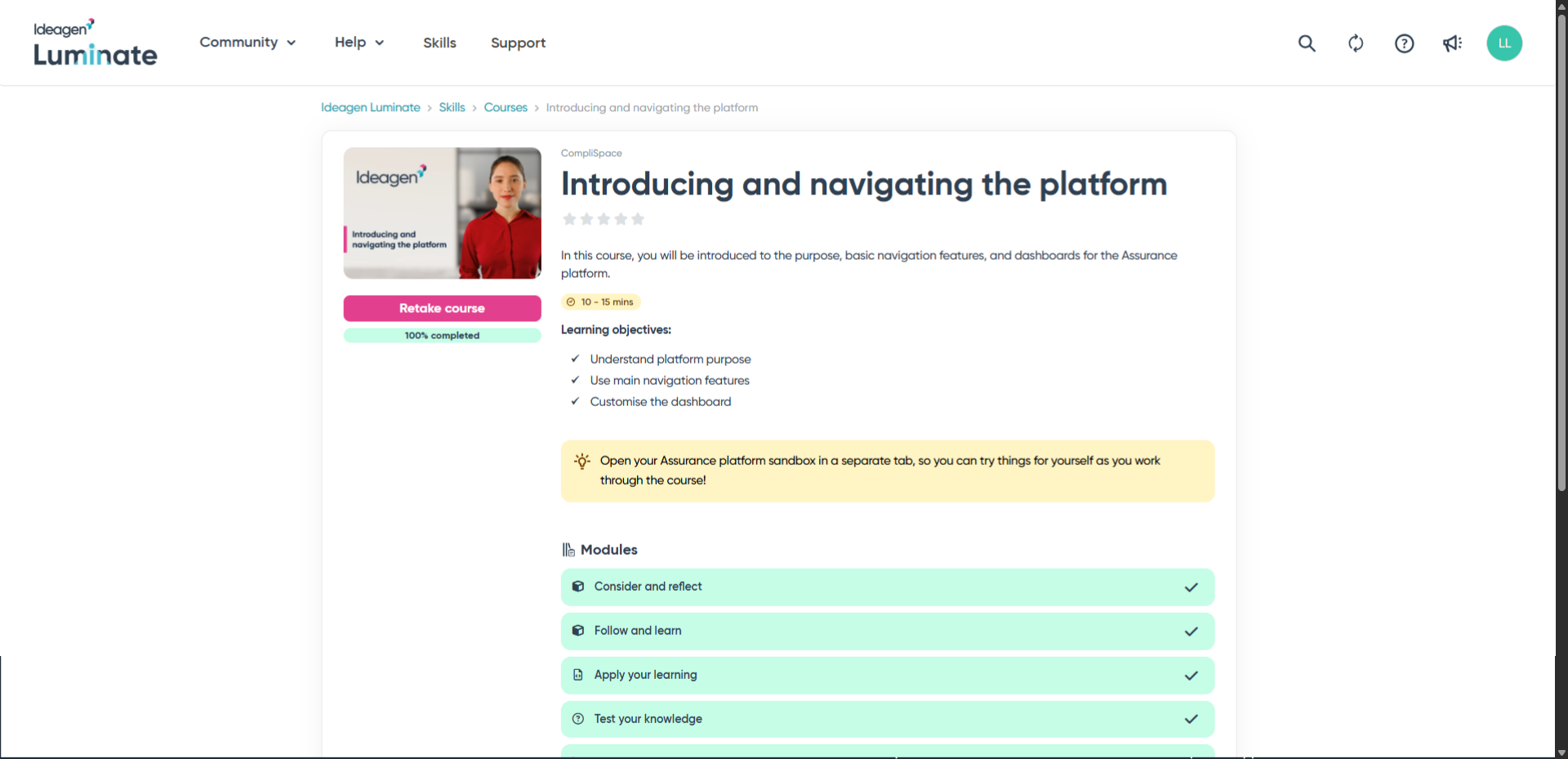
Once you complete the last module, you will be taken back to the course overview where you can view your module progress and retake the course if you wish.