New article
Recently updated
Enroling in a curriculum or course

Who is this article for?
Users who need help with enroling in a Luminate Skills course.
Ideagen Luminate Skills account is required.
To start building up your expertise with our e-learning courses, you have to first enrol in a curriculum (collection of courses) or a course (individual course).
This article shows you how you can do that.
1. Enroling in a course
To enrol in a curriculum or course:
- Go to Ideagen Luminate Skills.
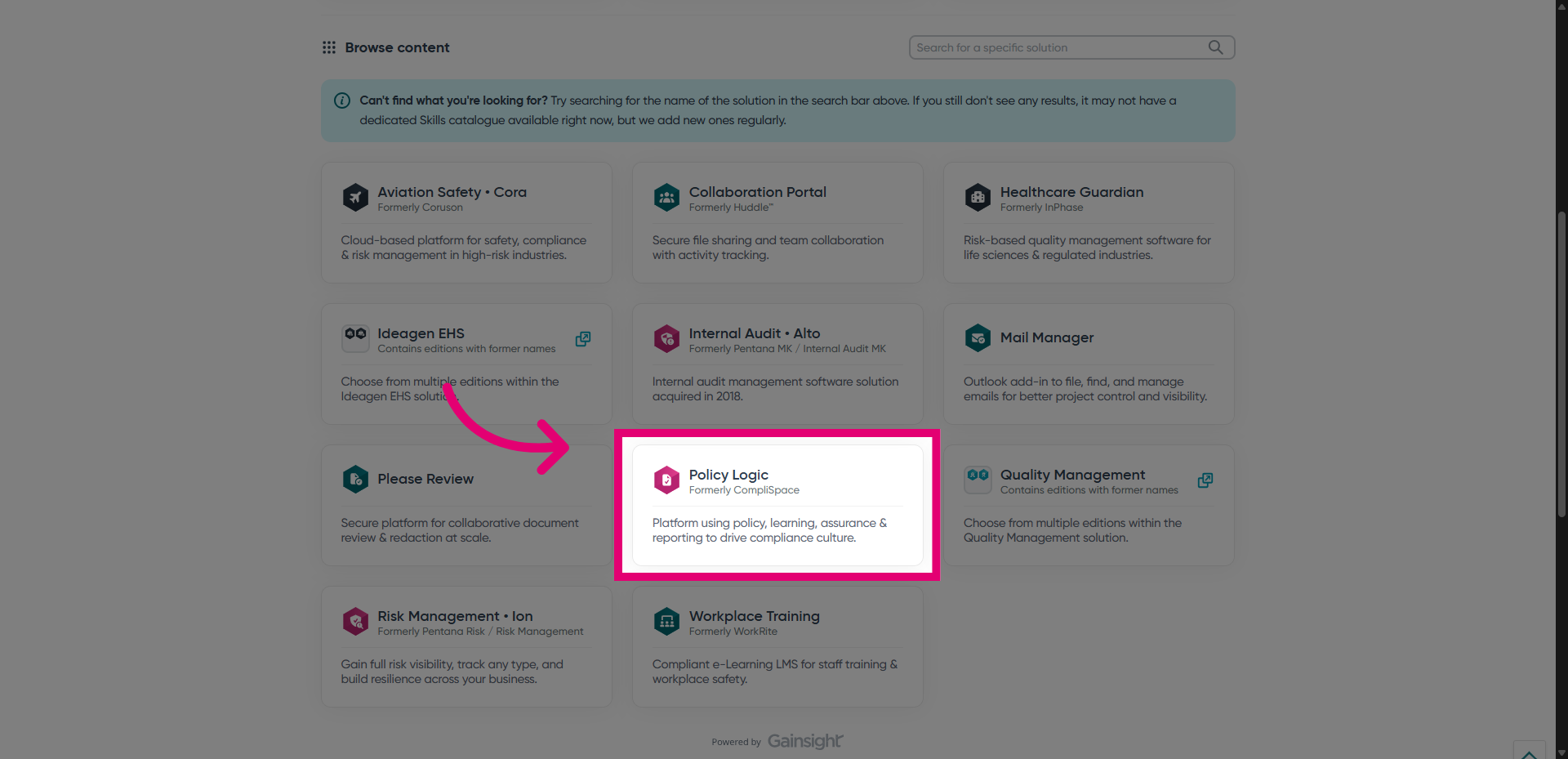
- Sign into the portal.
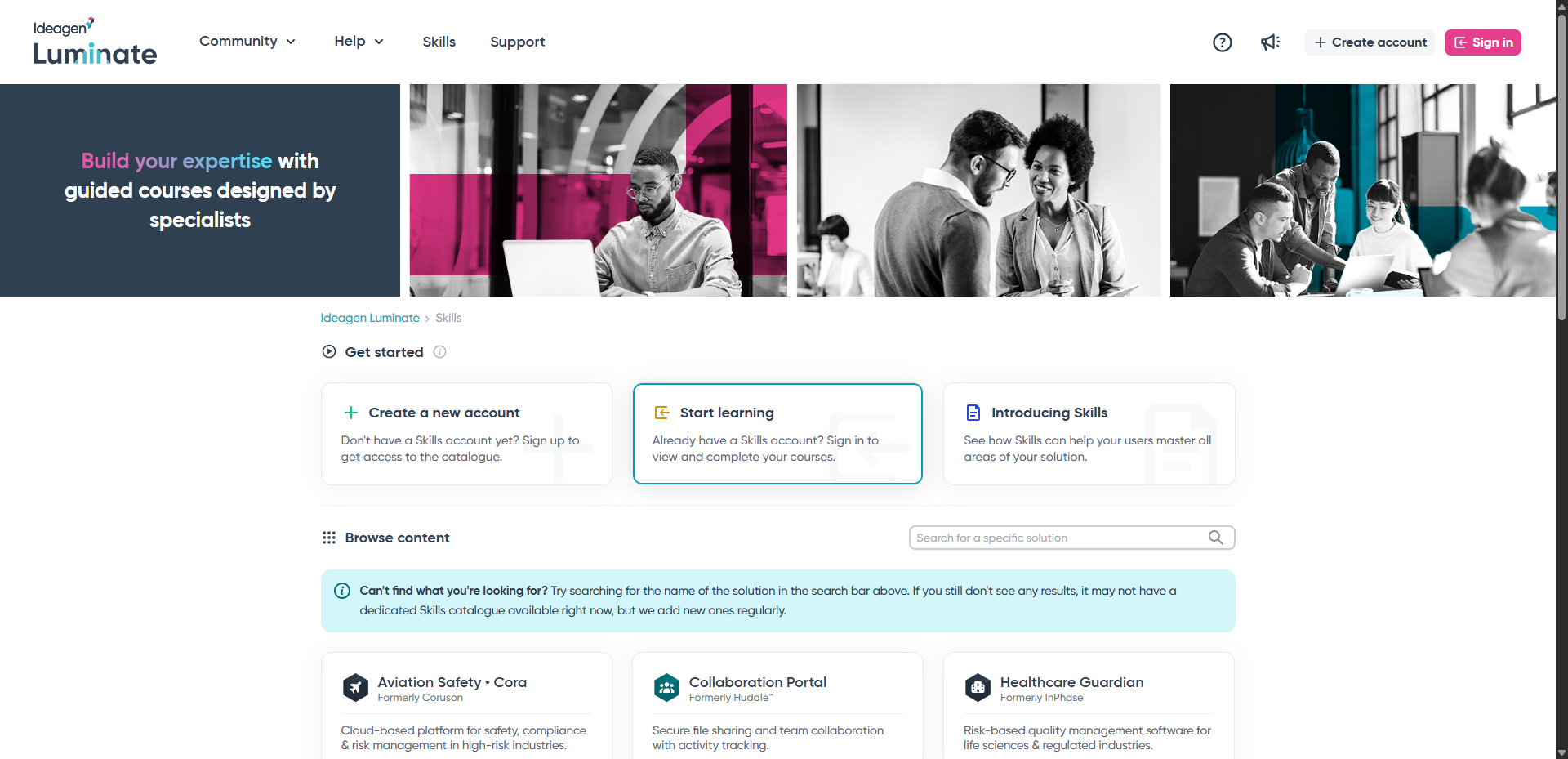
- Click View catalogue to see the full list of courses offered on the platform.
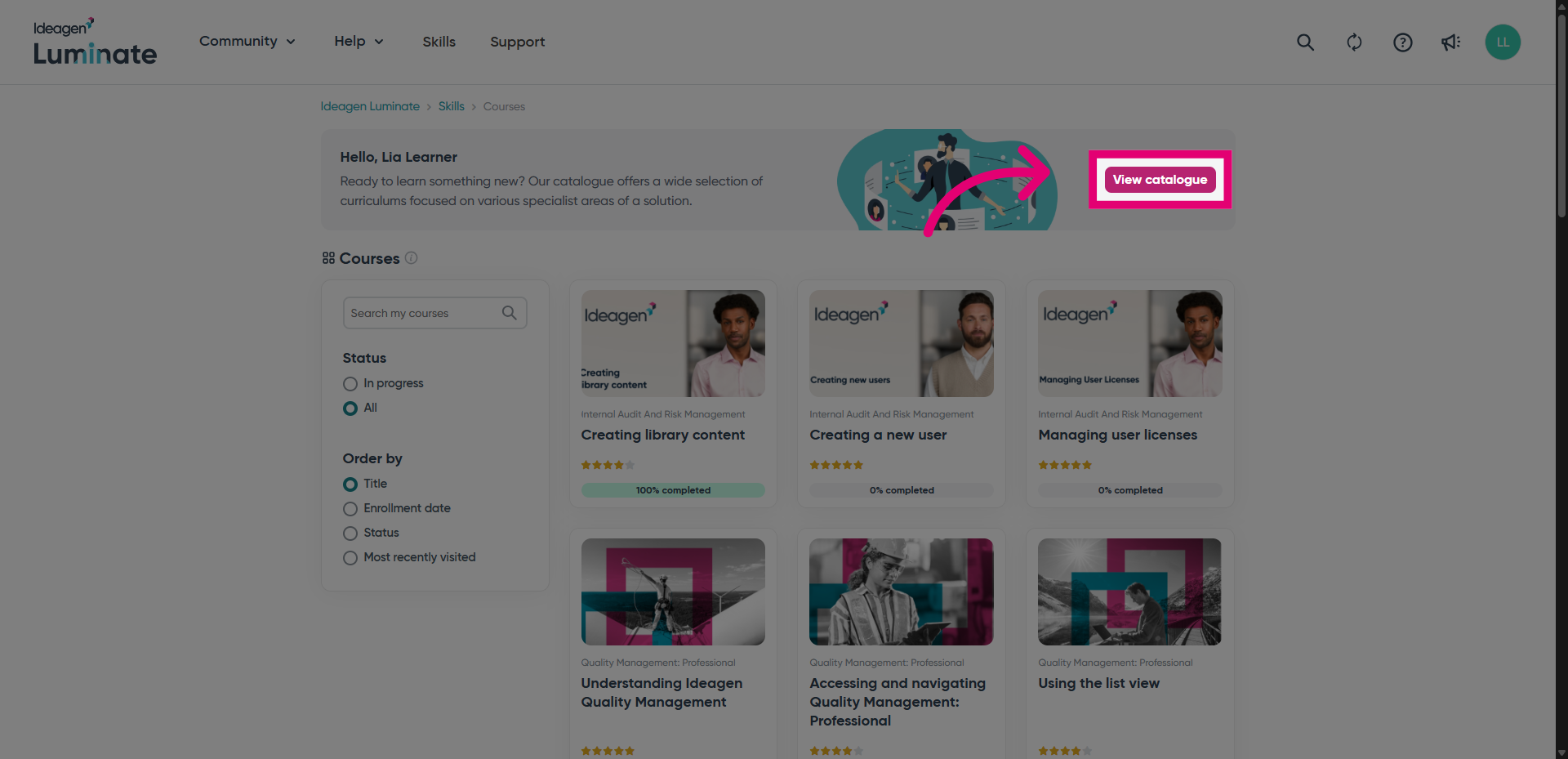
- Alternatively, you can select a solution from the home page to browse the courses specific to it.
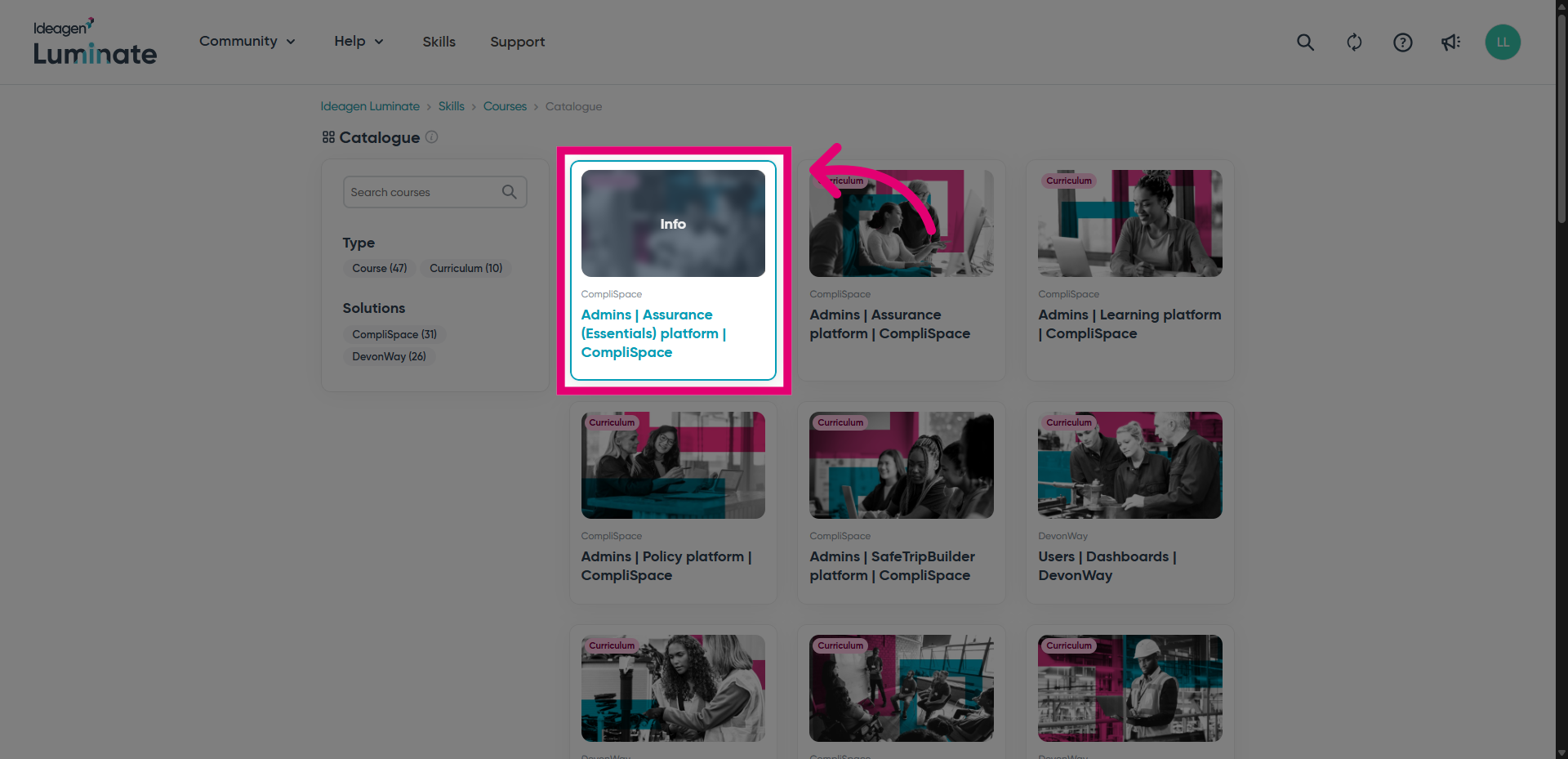
- Open a curriculum or course.
- Click Enrol.
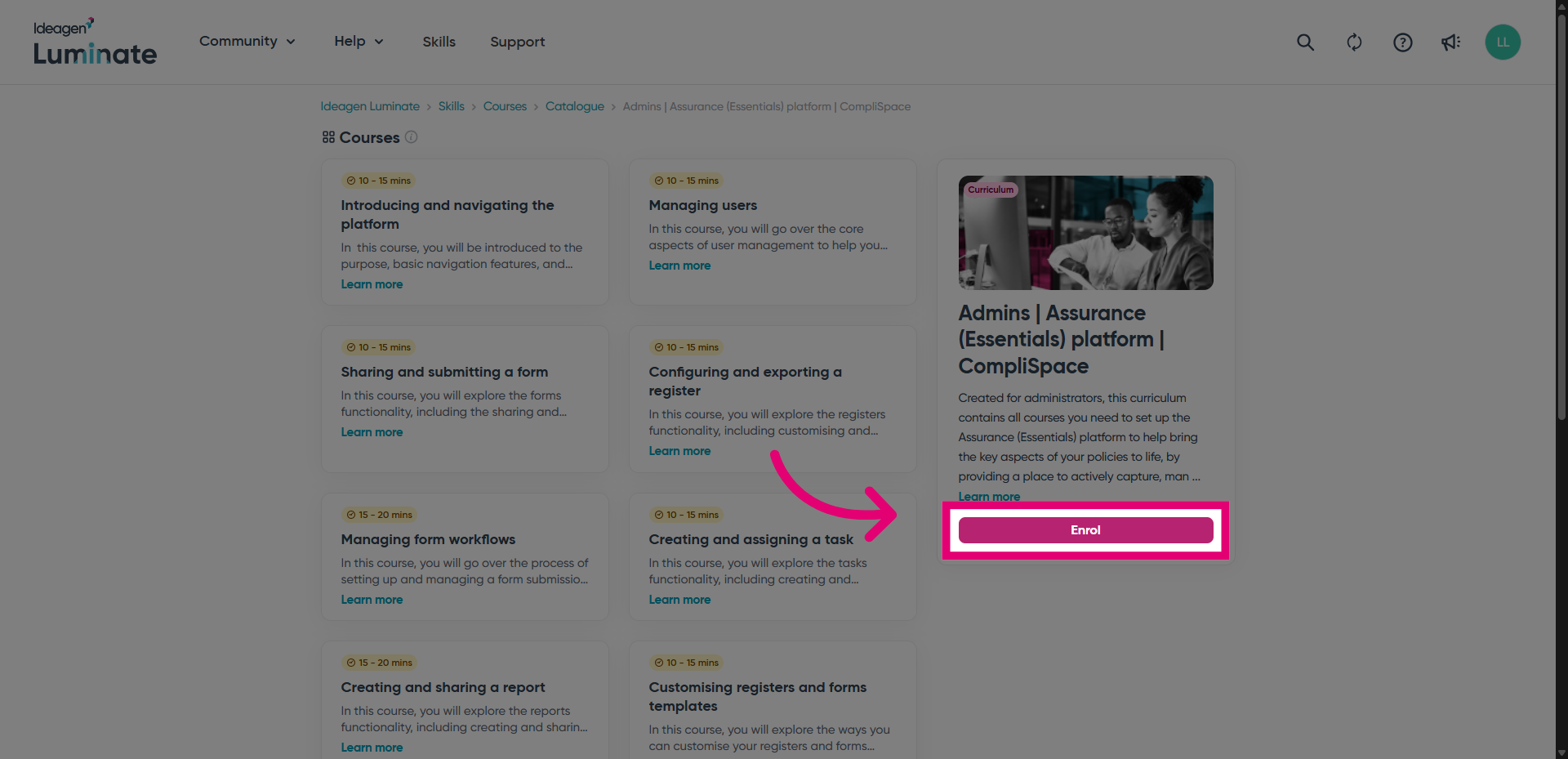
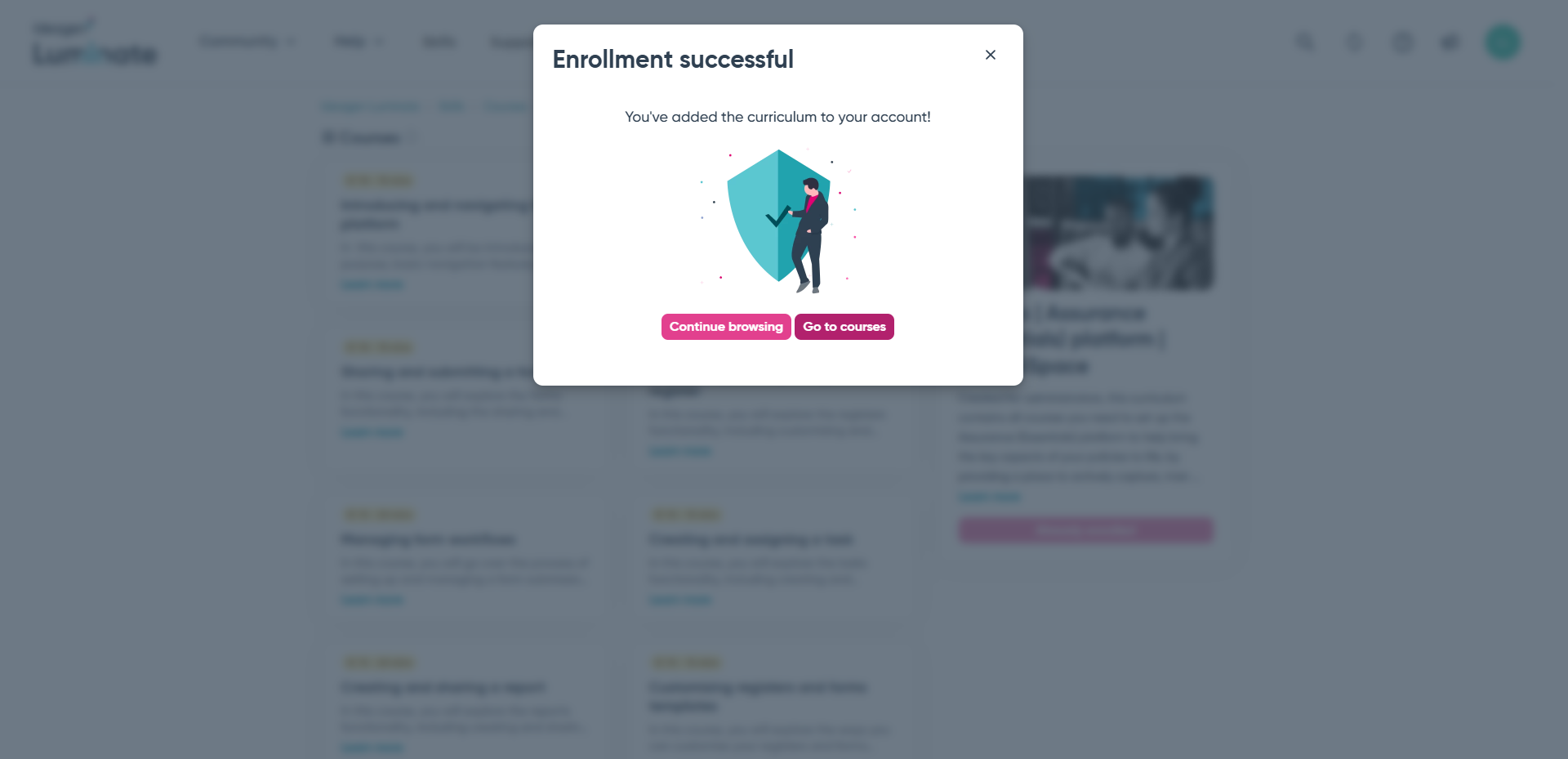
You will see a screen confirming you've been enrolled.