


New article
Recently updated
Creating a new post

Who is this article for?
Users who want to contribute in Luminate Community.
Ideagen Luminate Community account is required.
Whether you have a question or wide expertise to share with the wider user base, the easiest way to start a conversation is to create a post.
This article shows you how you can do that.
1. Creating a post
To create a post:
- Go to Ideagen Luminate Community.
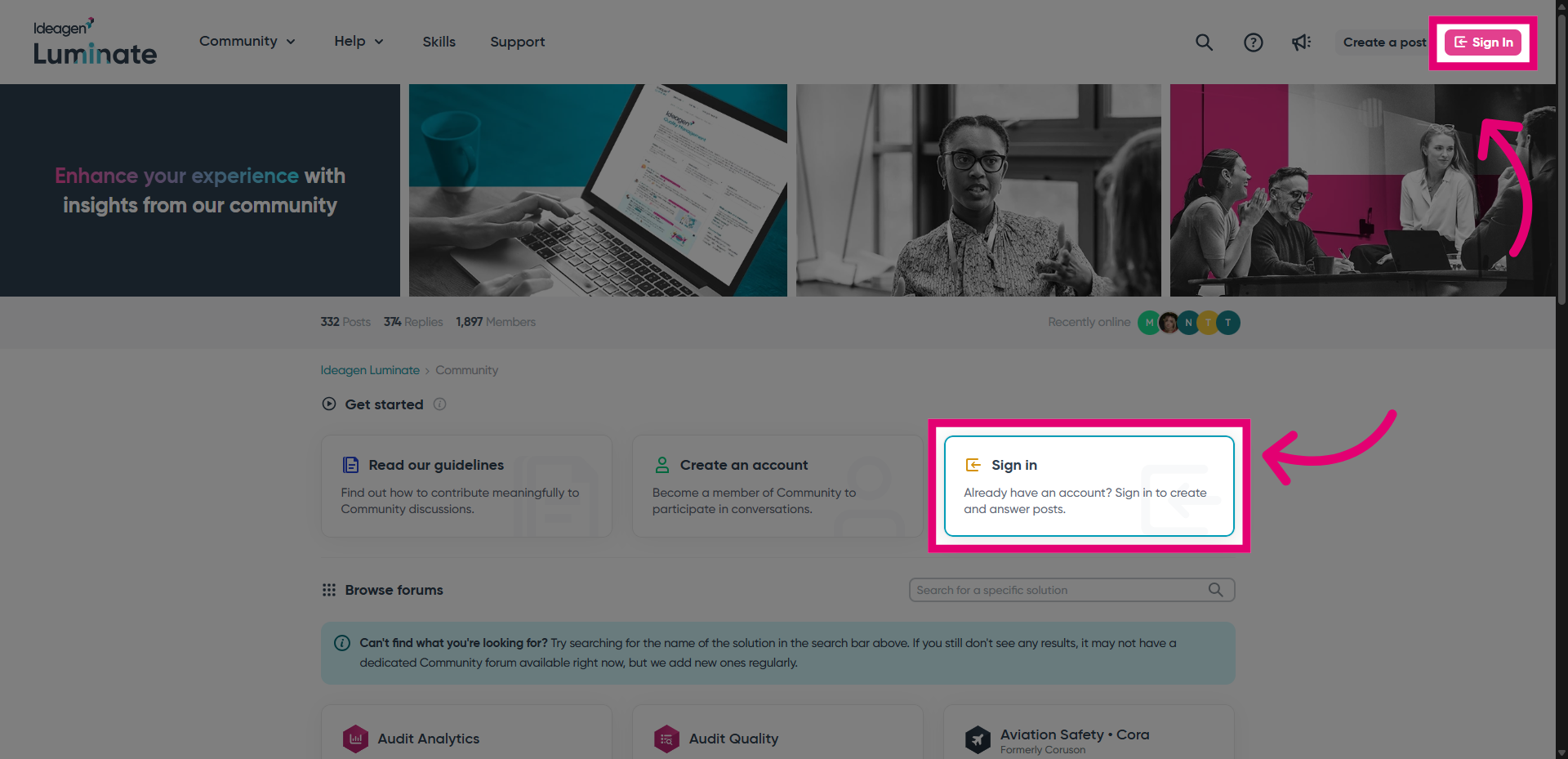
- Sign into the portal.
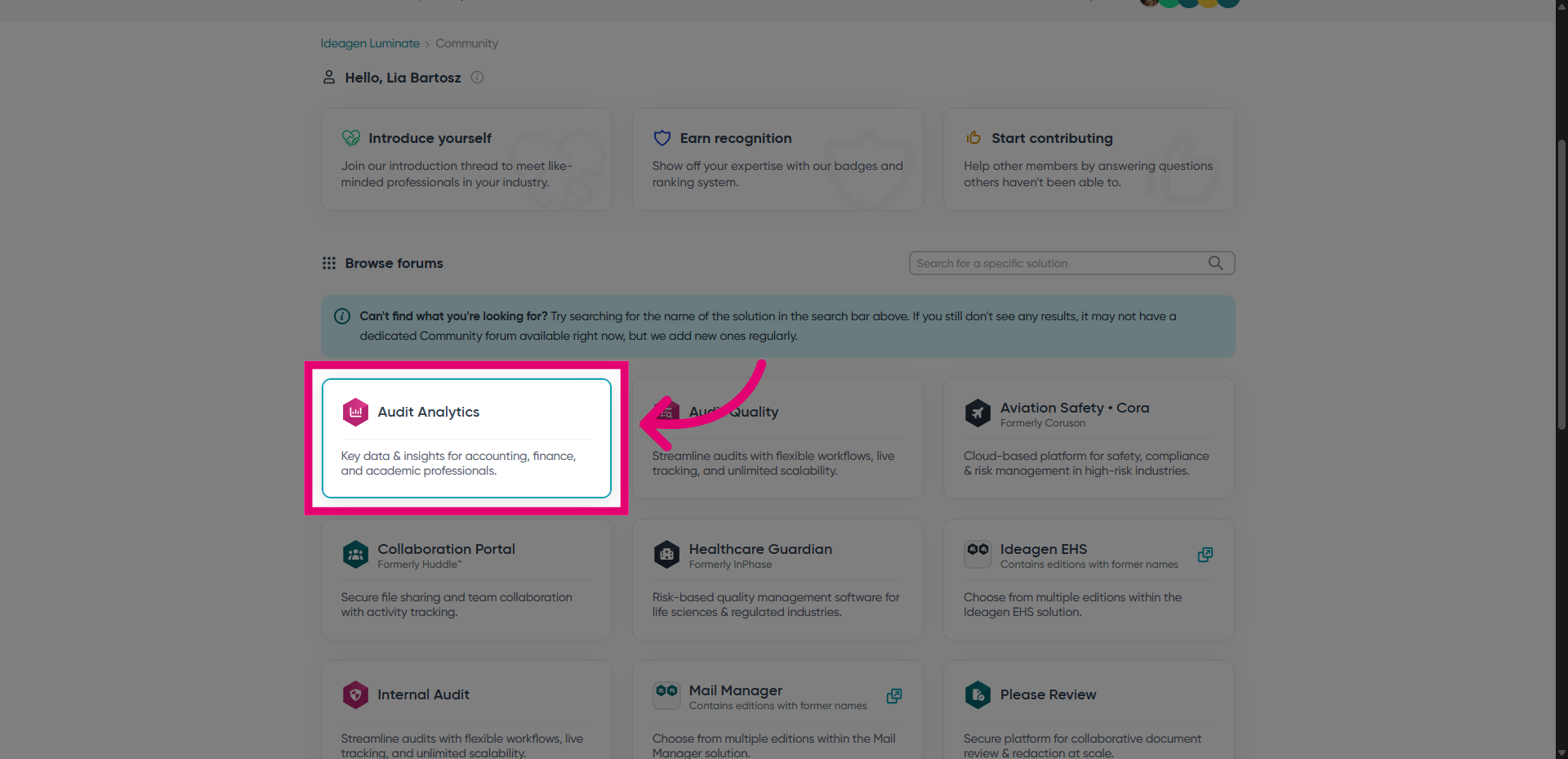
- Select a solution to see its forums.
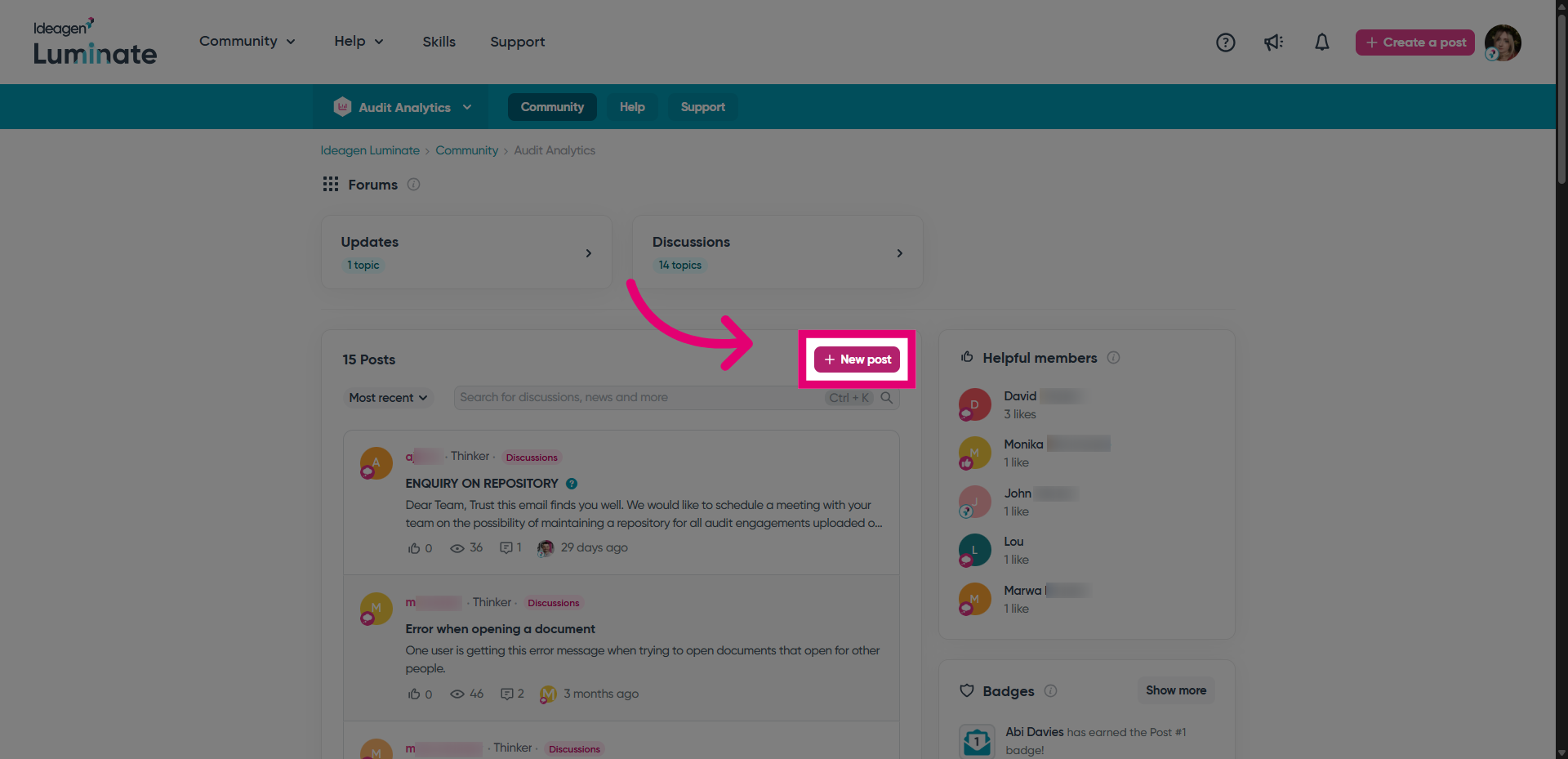
- Click New post.
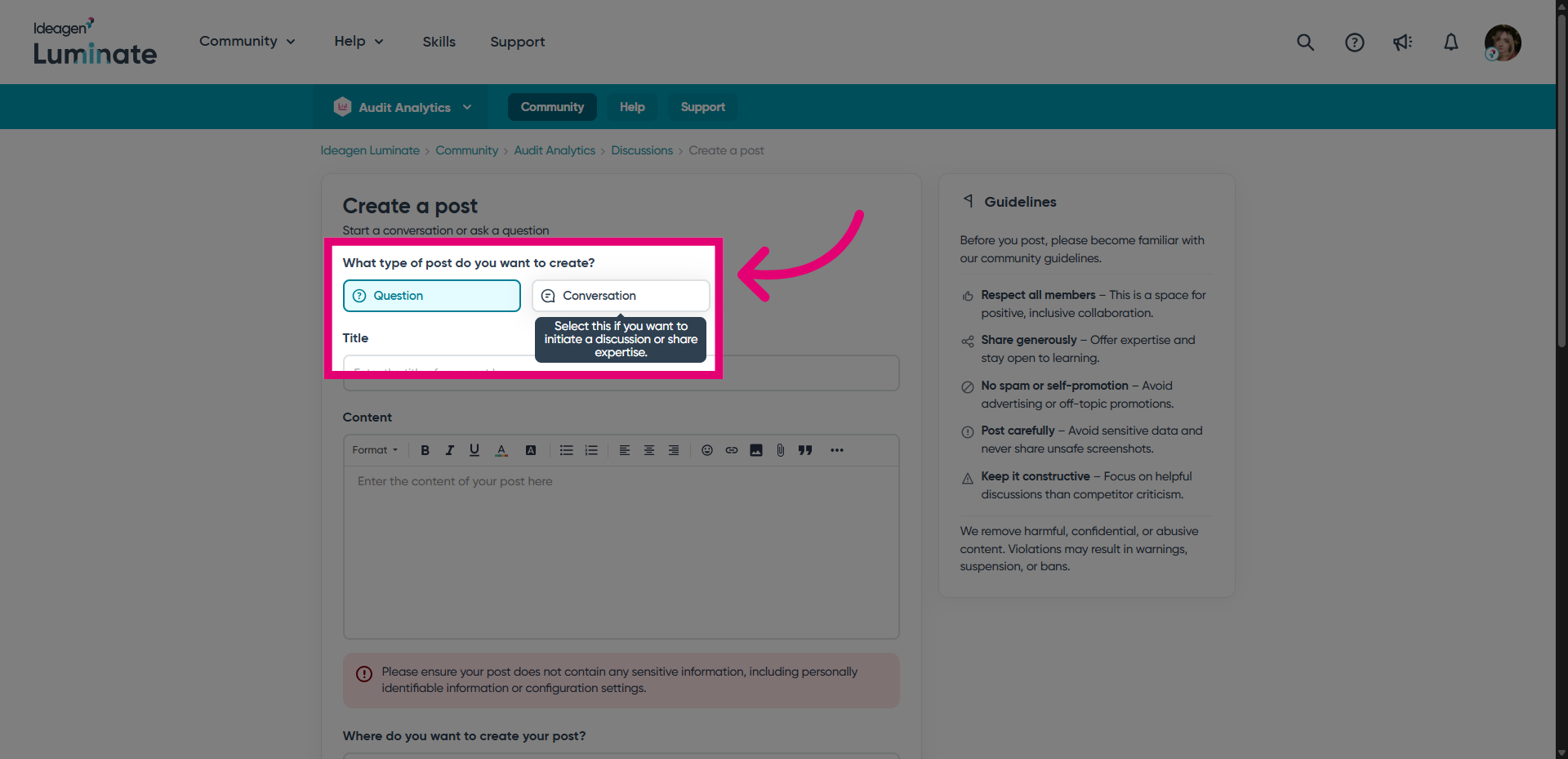
- Choose the Post type.
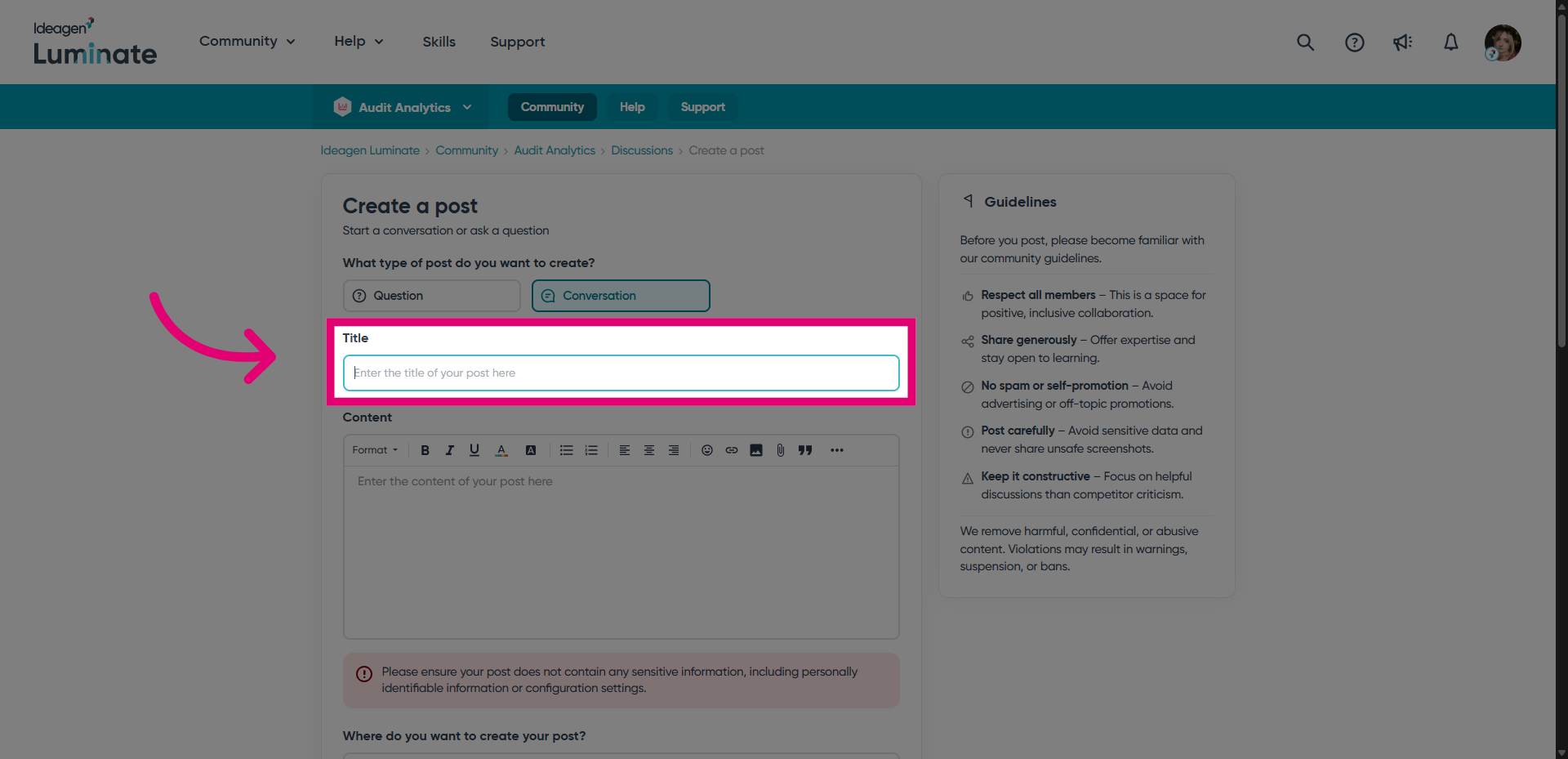
- Enter a title.
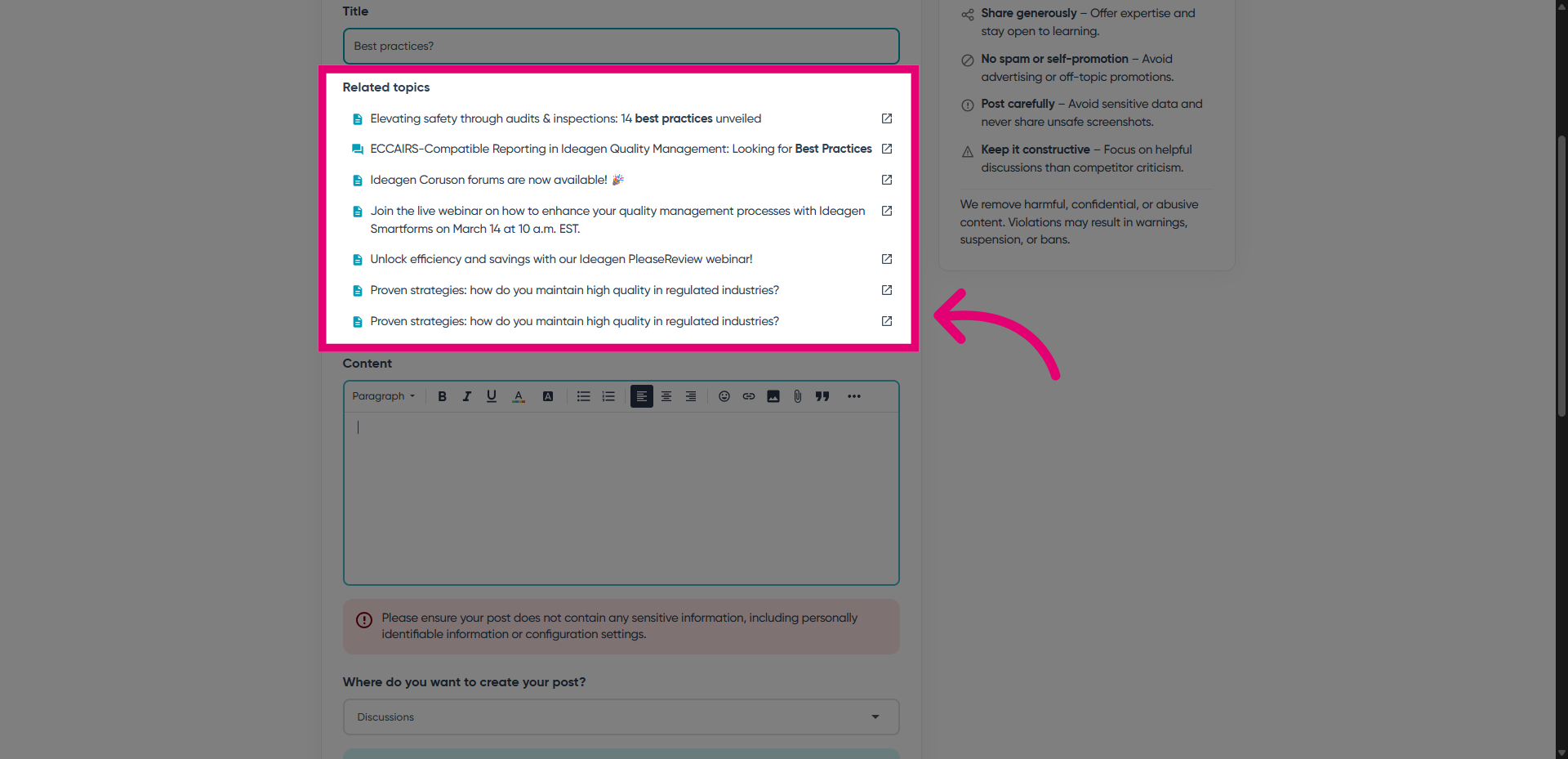
- Review related posts.
If someone has started a similar conversation, it would be better to reply to the existing post than create a new one.
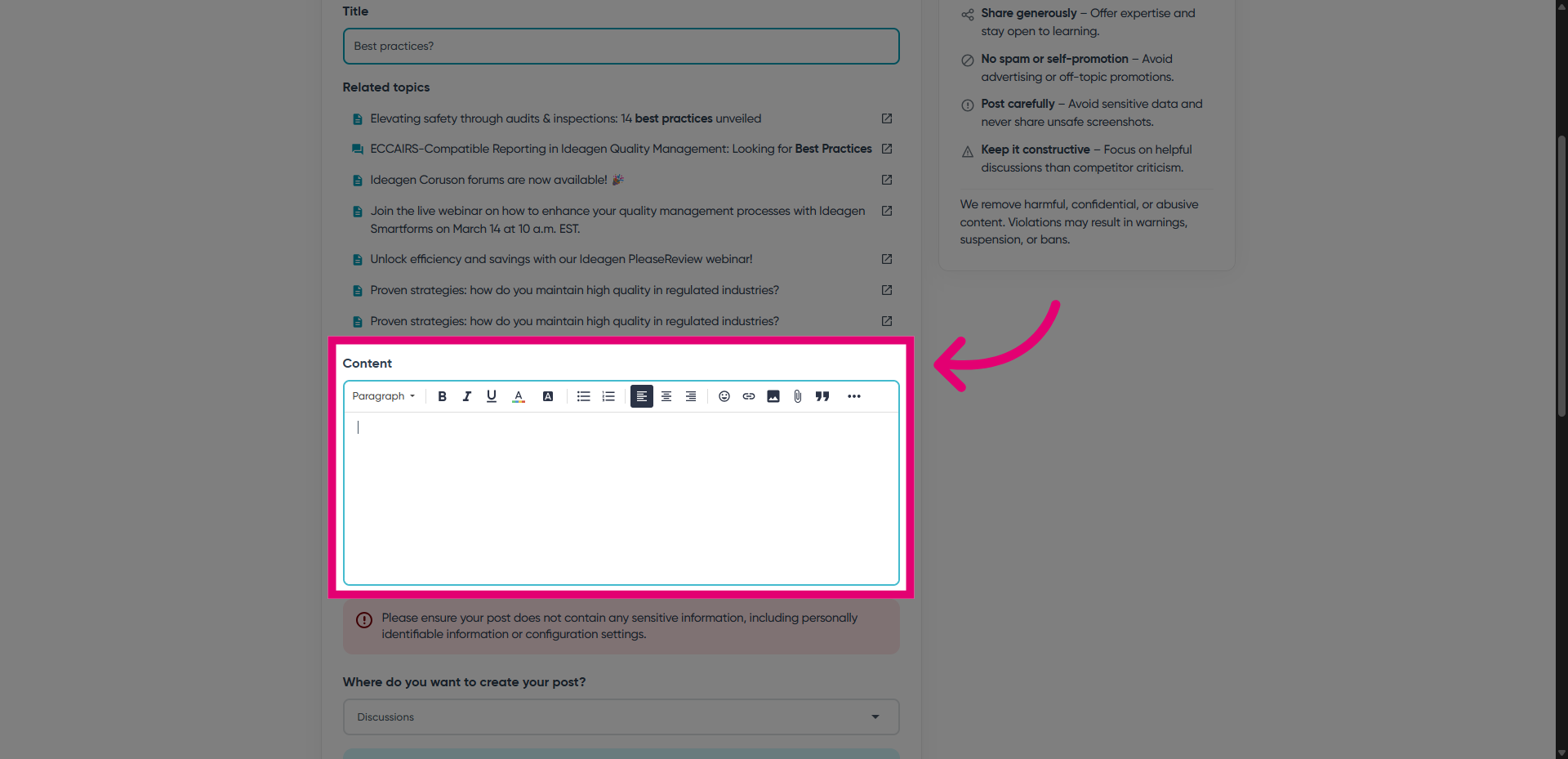
- Enter main Content.
This can be text, images, or links.
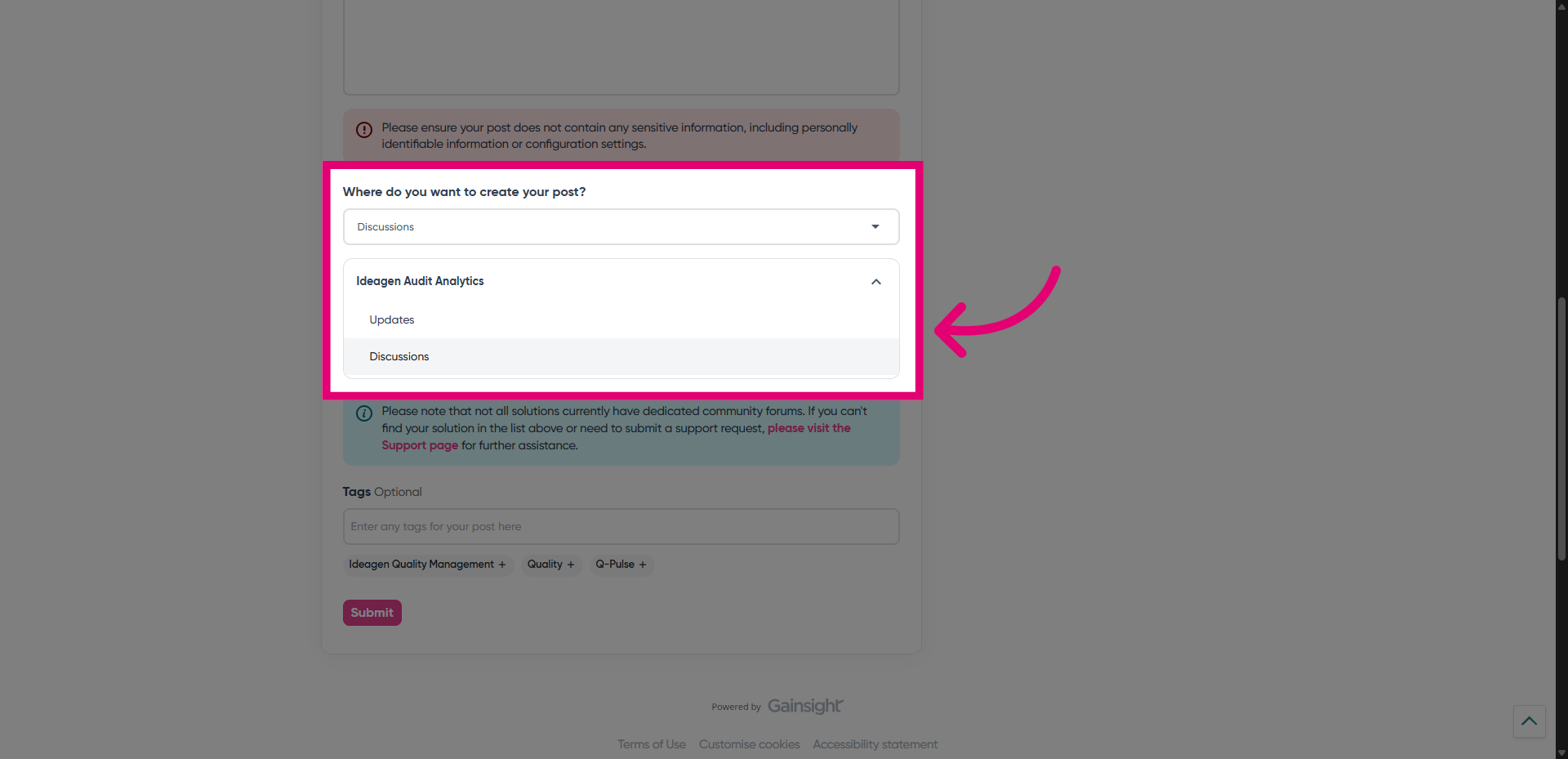
- Select the Forum you want your post to be created in.
- Click Submit.