


New article
Recently updated
Sending feedback about Ideagen Luminate

Who is this article for?
Users who want to submit comments or suggestions about the portal.
No special access or permissions are required.
We designed Ideagen Luminate for you, so if there is any way we could make it better, we want to know!
This article shows you how you can easily submit suggestions or raise issues about the portal.
1. Sending feedback
To send us feedback:
- Access the Ideagen Luminate portal.

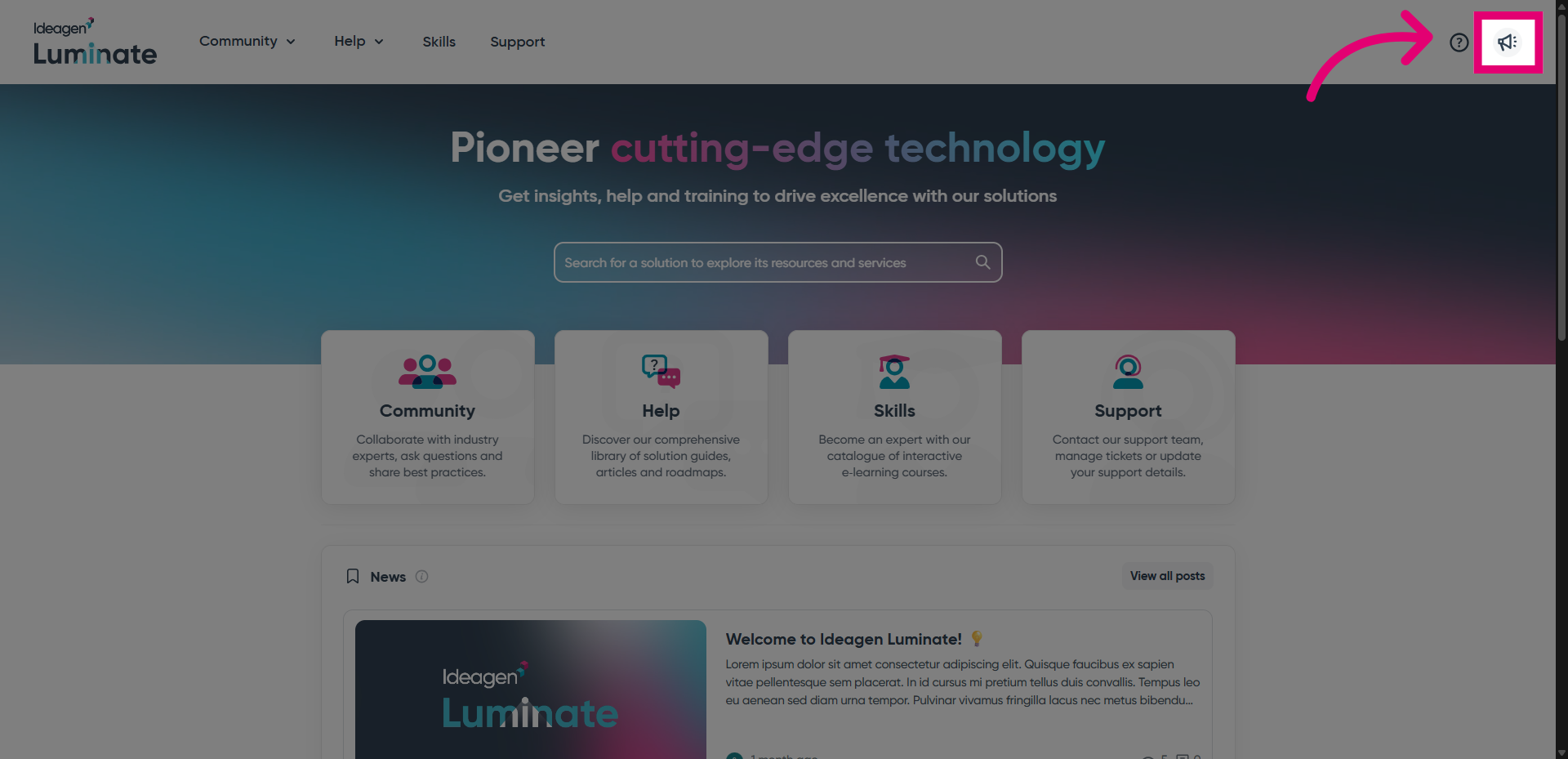
- Open the Feedback widget.
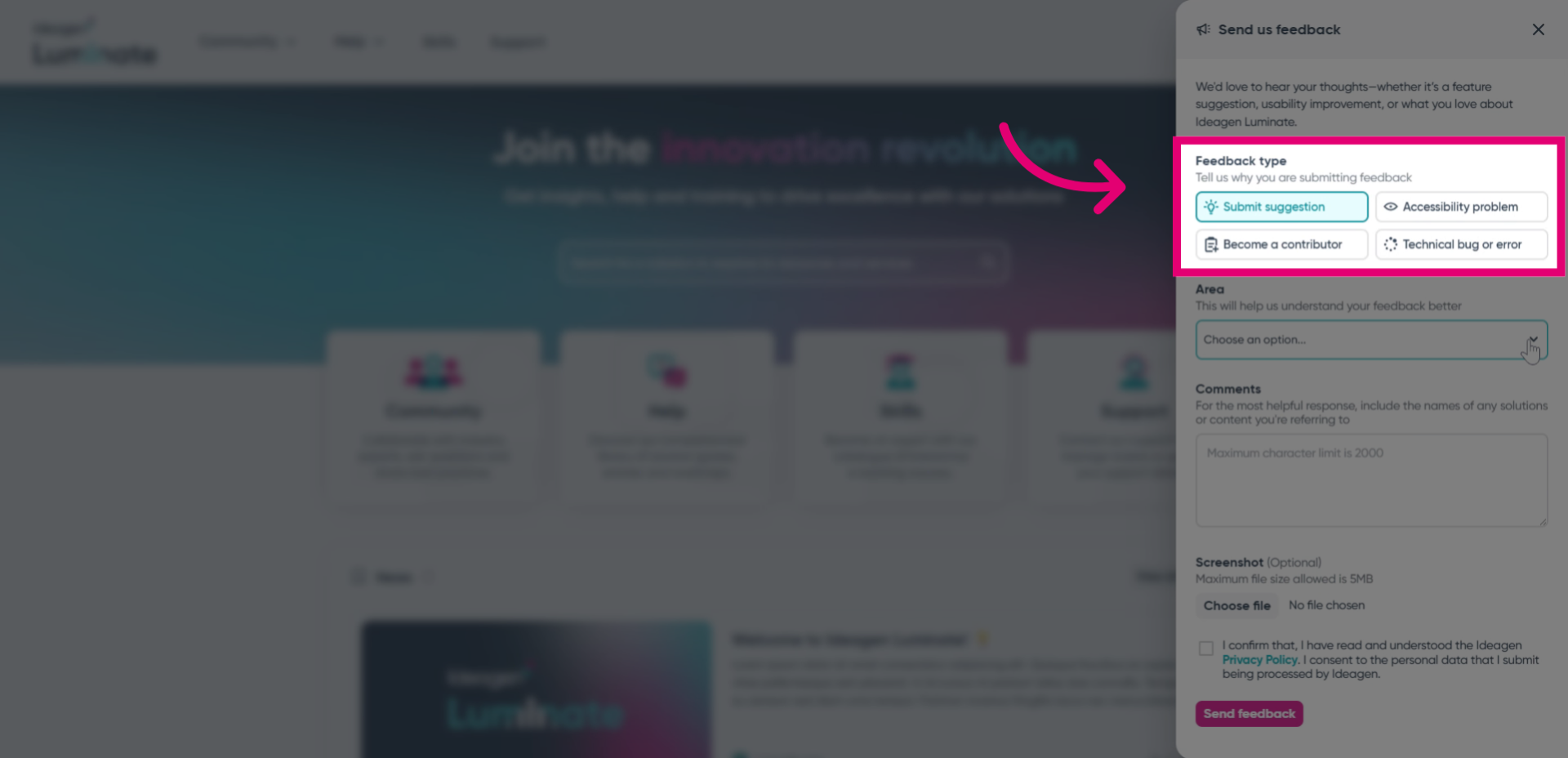
- Select the most fitting Feedback type.
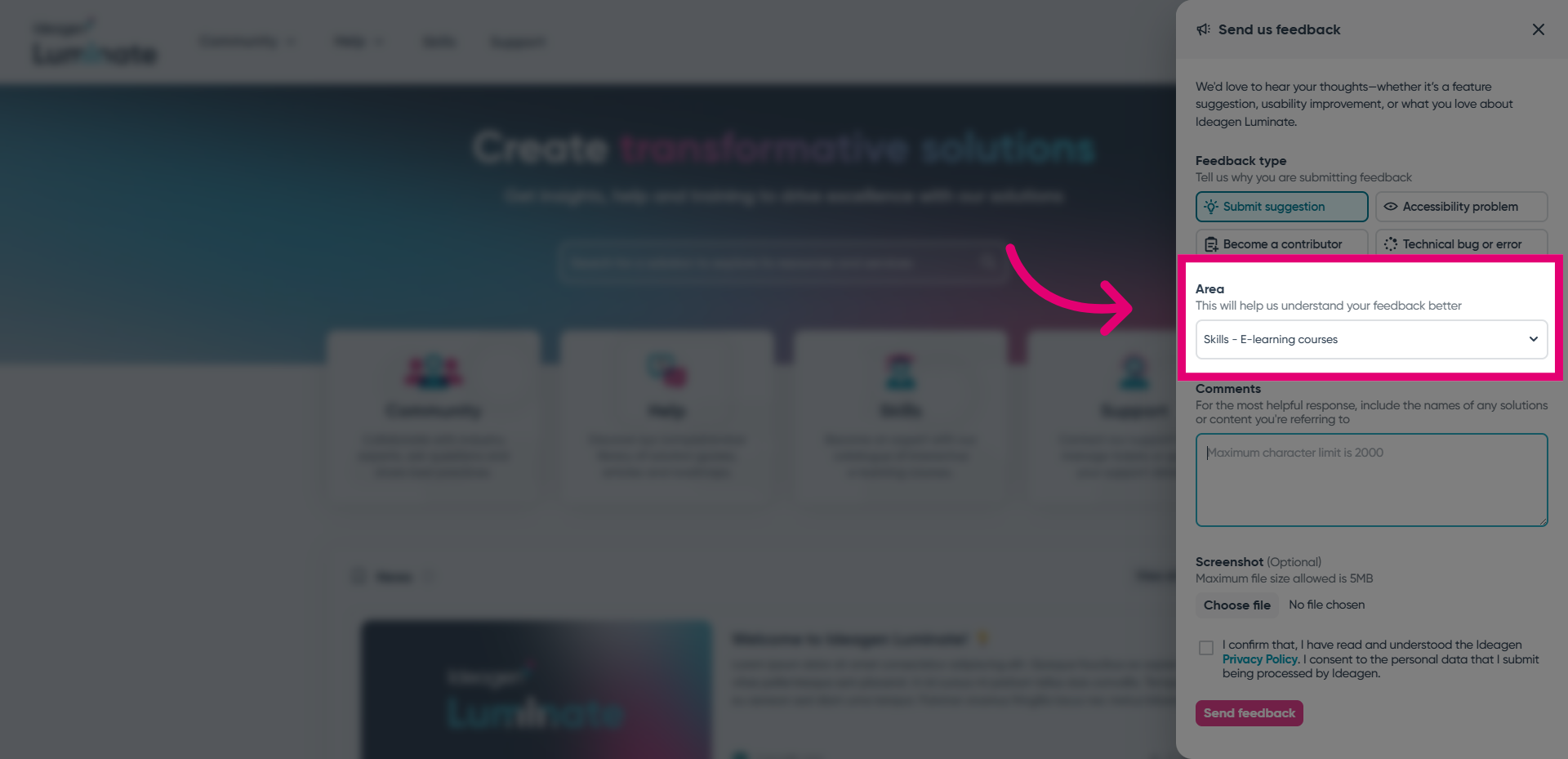
- Choose the Area of the portal your feedback applies to.
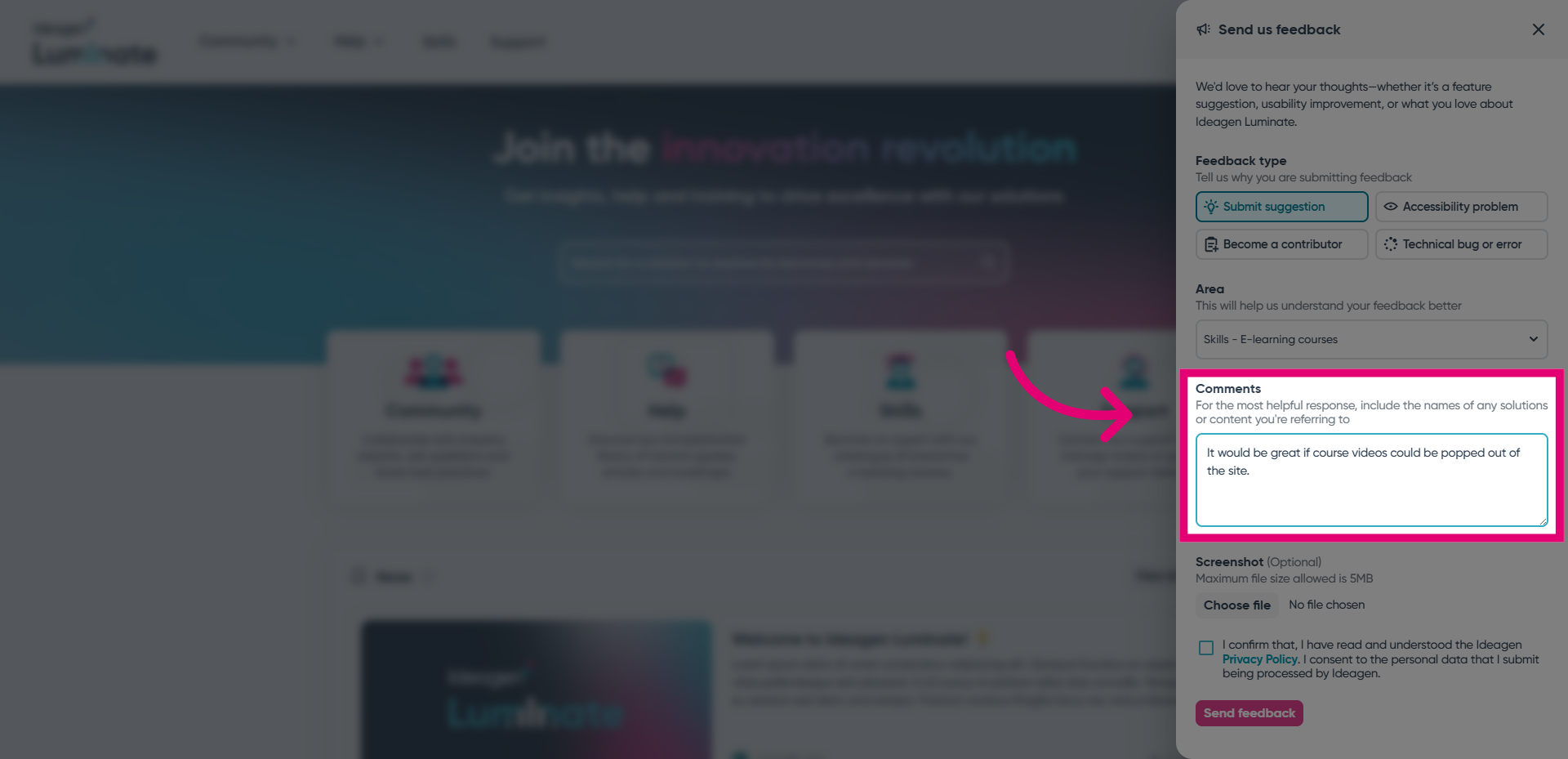
- Add as much detail as you can in the Comments field.
For example, if you are experiencing an issue, you may want to list the steps to reproduce it.
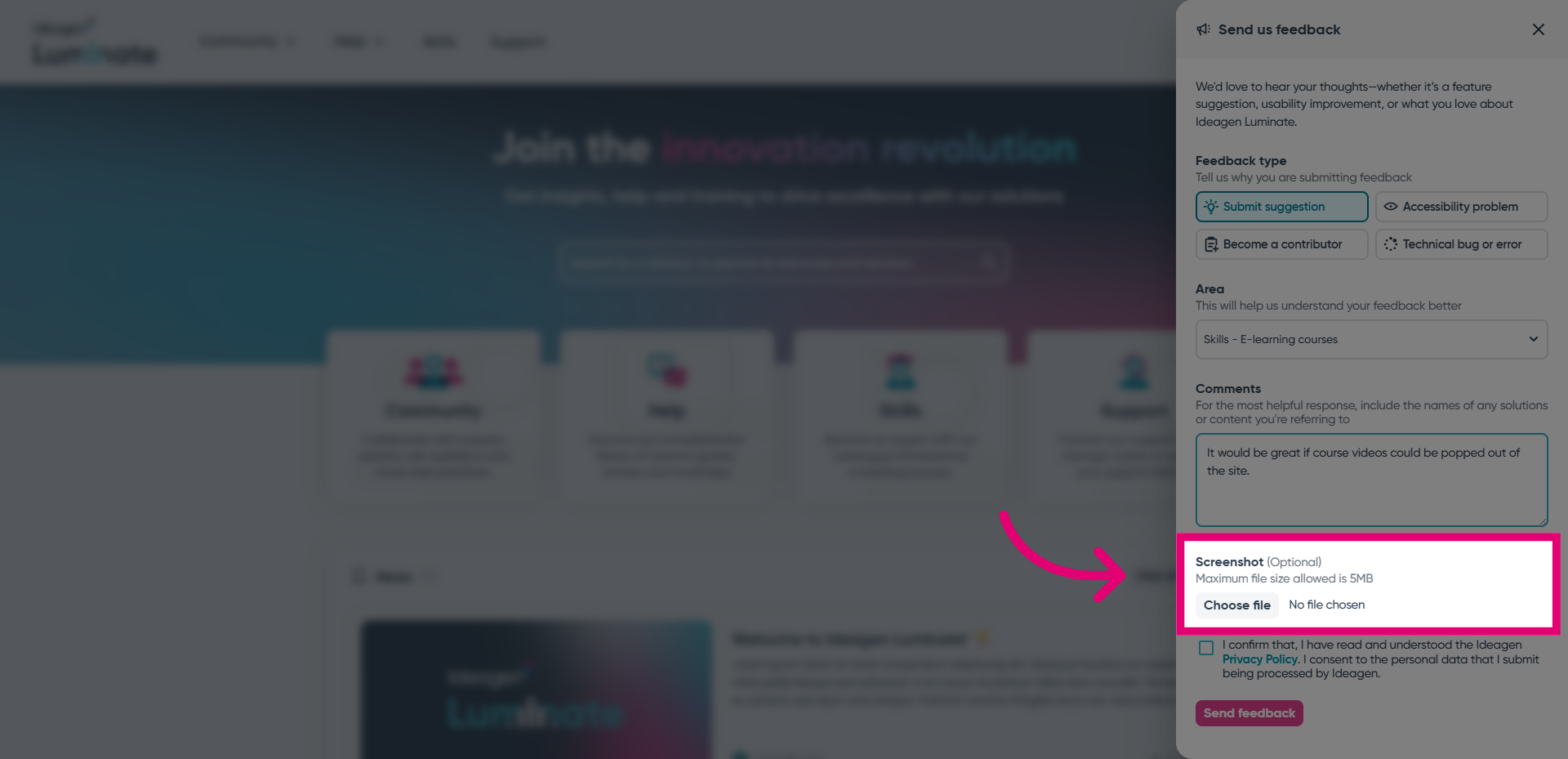
- Attach a Screenshot that illustrates your feedback.
This is an optional step.
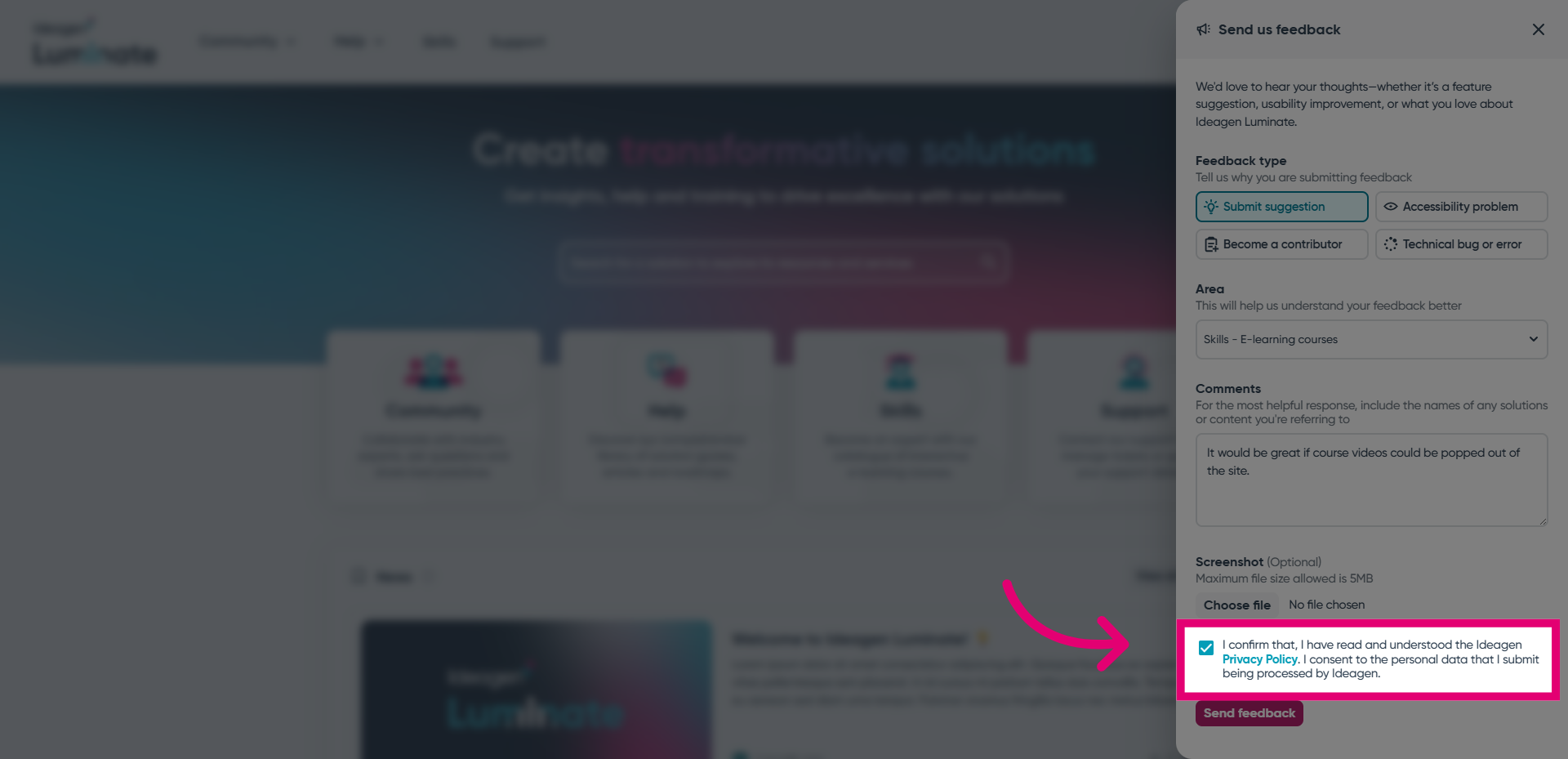
- Review the Ideagen Privacy Policy.
- Tick the box to consent to data processing.
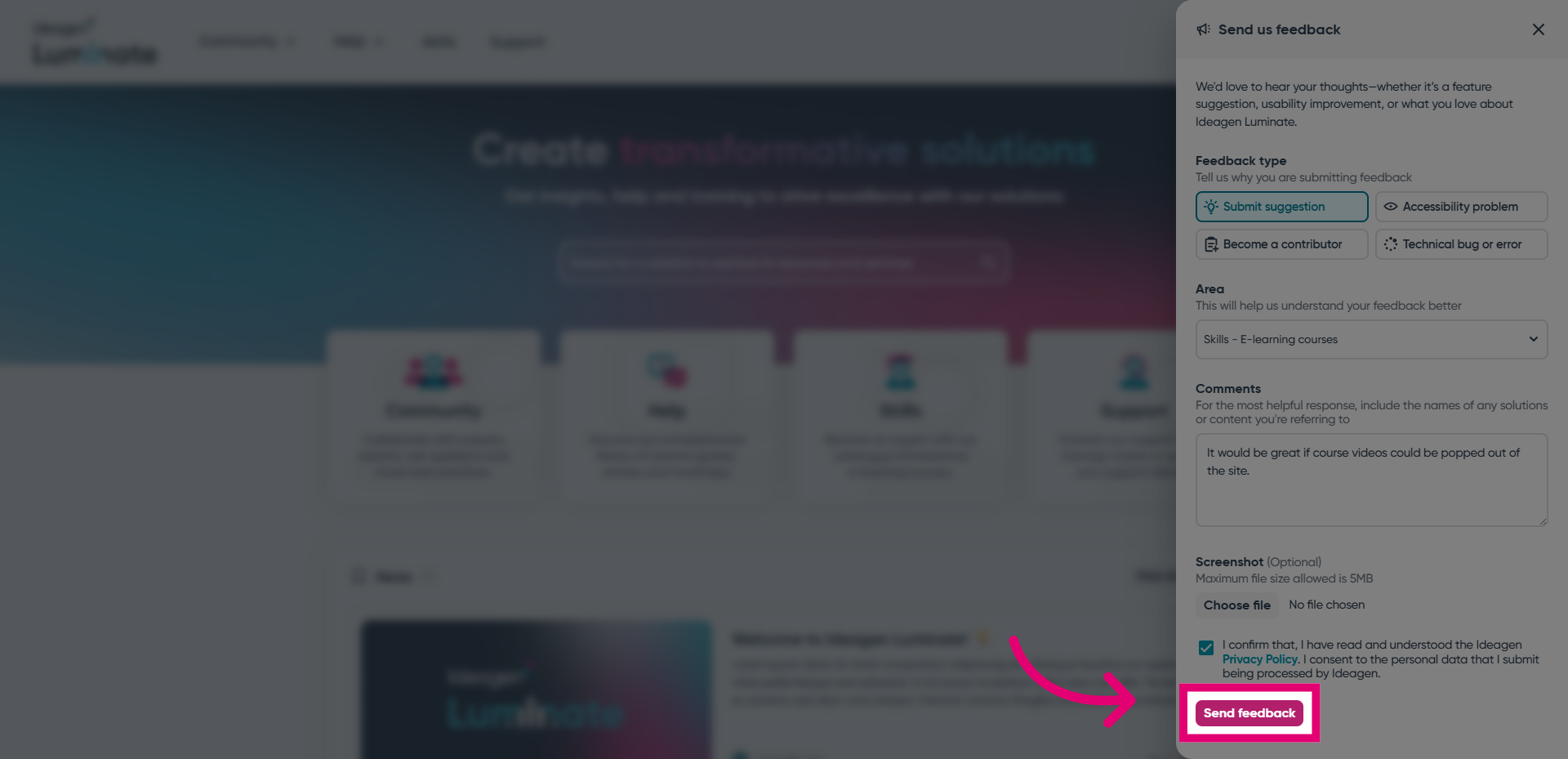
- Click Send feedback.
As submitted feedback is anonymous, you won't receive an update directly. However, we do periodically post news about changes to Ideagen Luminate, so keep an eye out for those!